> ## Documentation Index
> Fetch the complete documentation index at: https://documentation.idenfy.com/llms.txt
> Use this file to discover all available pages before exploring further.
# Request Update in the Dashboard
> Send targeted update requests to clients for specific data corrections without requiring full re-submission in the iDenfy dashboard.
The Request Update feature allows you to ask clients to update or correct previously submitted information.
Key benefits:
* **Targeted Edits**: You can select specific areas for clients to edit, rather than requiring them to re-submit an entire dataset.
* **Accurate Information**: Helps ensure you have the most current and correct client data.
* **Compliance**: Supports maintaining up-to-date information, which can assist with regulatory requirements like Enhanced Due Diligence (EDD).
***
## How to Use **Request Update**
Open **completed** and **approved** verification
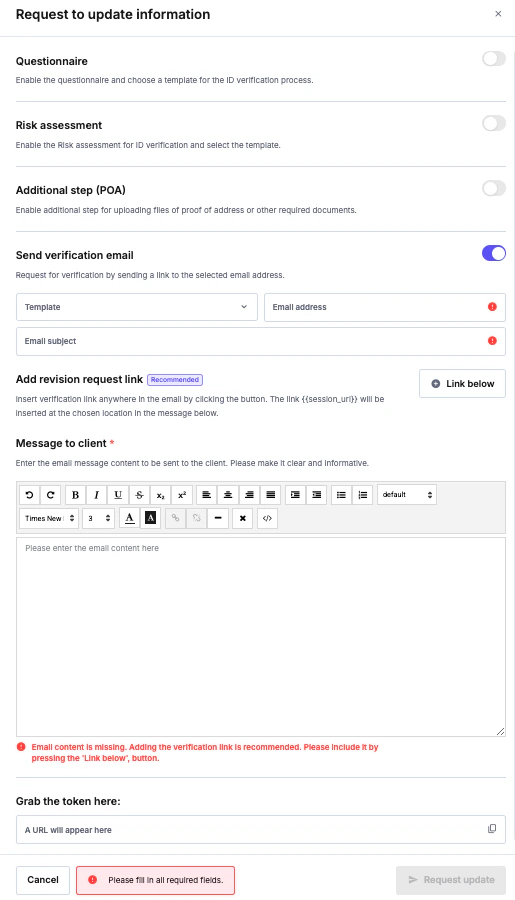
 Select **Request update**
 **Select** the information you want to update
 ***
## Client Perspective
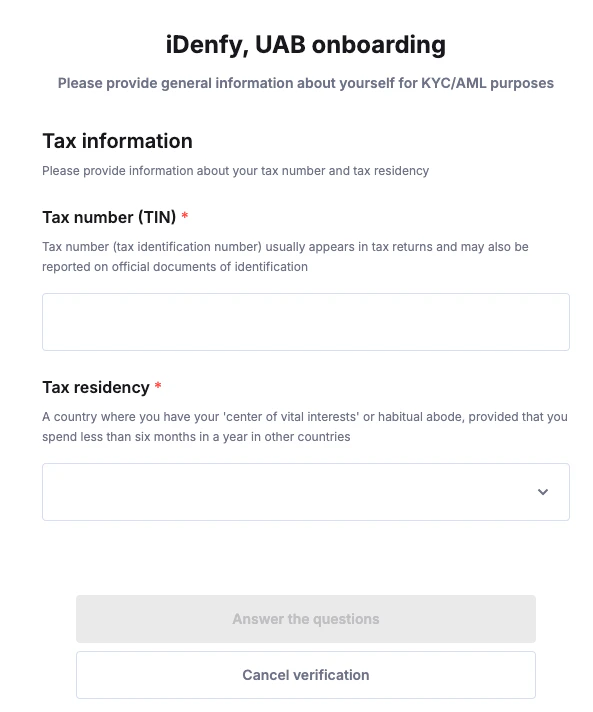
The client opens the received URL and sees the pages they should or could edit. If no page is specified, the client can edit all the information. By clicking on Edit
***
## Client Perspective
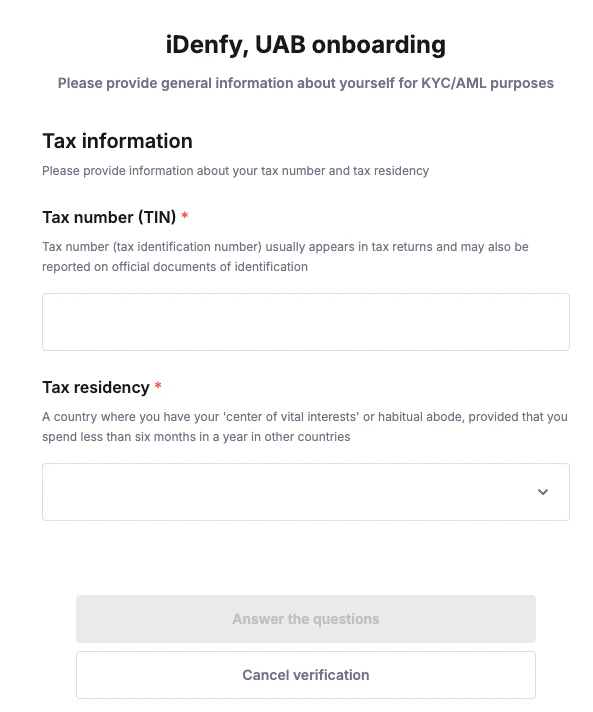
The client opens the received URL and sees the pages they should or could edit. If no page is specified, the client can edit all the information. By clicking on Edit
 The client provides the details and clicks to answer questions. Once this is done and all the questions are answered, they receive a confirmation screen noting that all the information was submitted successfully.