

Automatic Country and Document Detection
This feature skips the country and document selection step without requiring data in the token. iDenfy automatically detects your user’s country via IP address and displays the accepted documents for that location. iDenfy also automatically detects the captured document.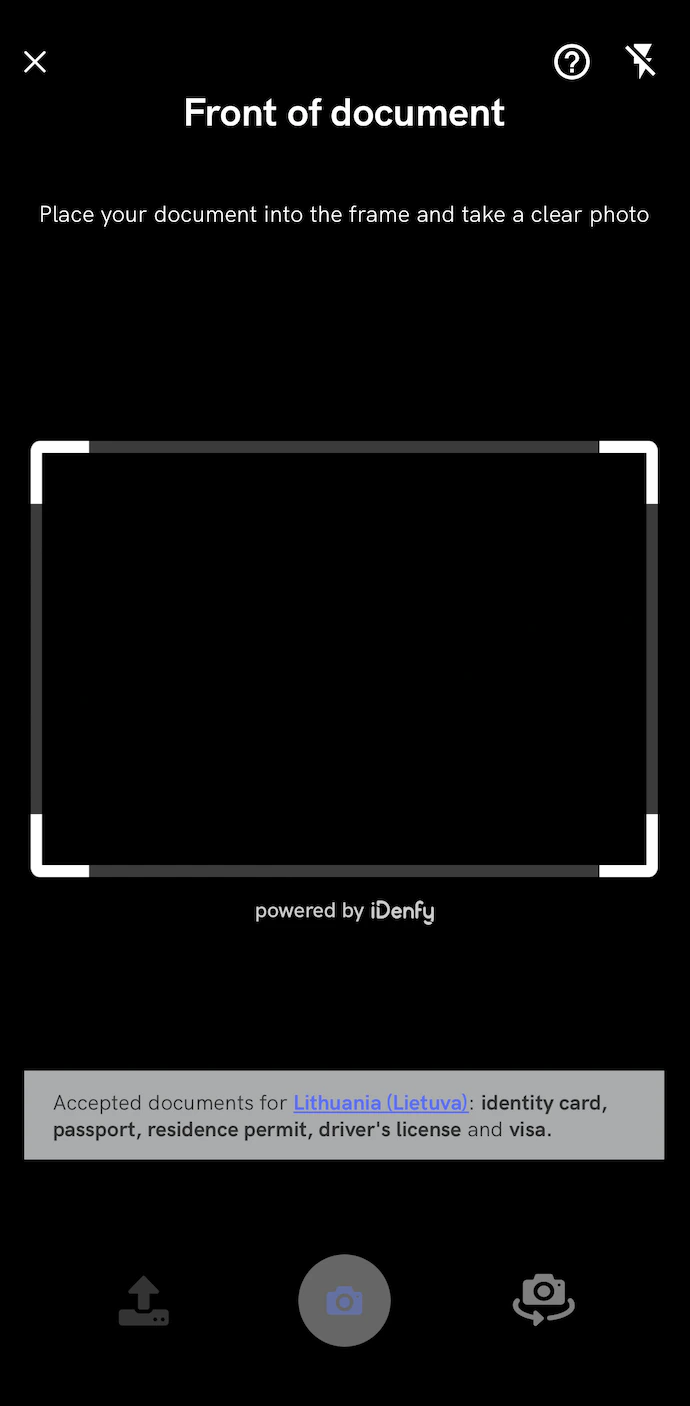
Contact technical support via the Jira customer portal to enable this feature.
Realtime Document Blur Glare Detection
This feature provides real-time document blur and glare detection. A warning alert notifies users when blur or glare is detected in the camera feed. An additional warning also appears in the photo result view.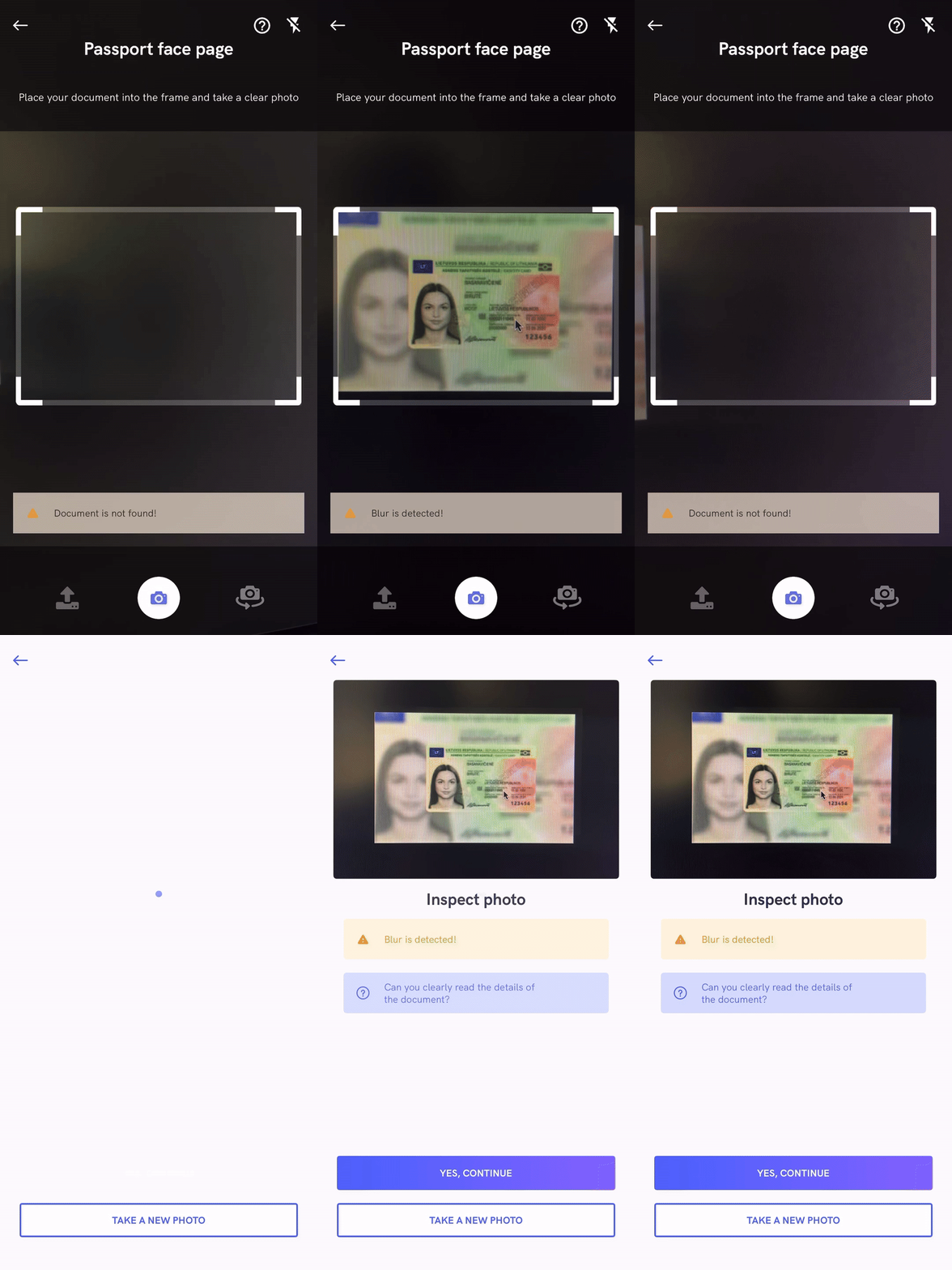
Adding the Blur Glare Detection Dependency
In the app level Gradle, add an additional sdk-blurglaredetection module with the same version as the sdk-api module:Contact technical support via the Jira customer portal to enable this feature.
Trusted Service
This feature requires users to rotate their document according to templates in a random sequence before capturing the document, in order to detect any inconsistencies:
Adding the Trusted Service Dependency
In the app level Gradle, add an additional sdk-trustedservice module with the same version as the sdk-api module:Contact technical support via the Jira customer portal to enable this feature.
Document Recognition
This feature provides real-time document recognition. The SDK automatically detects and captures documents shown in the FRONT and BACK steps, which produces a better picture of the document.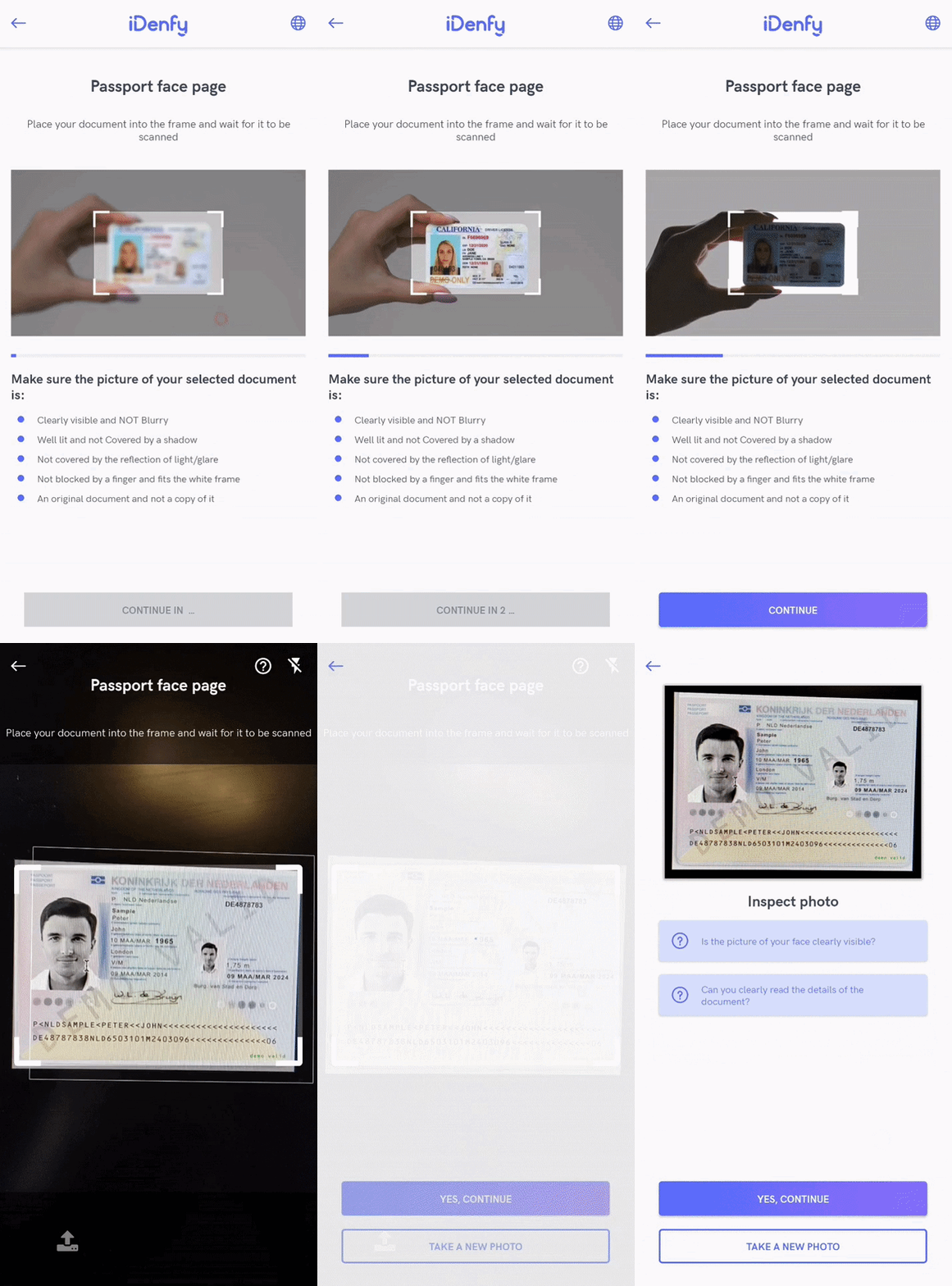
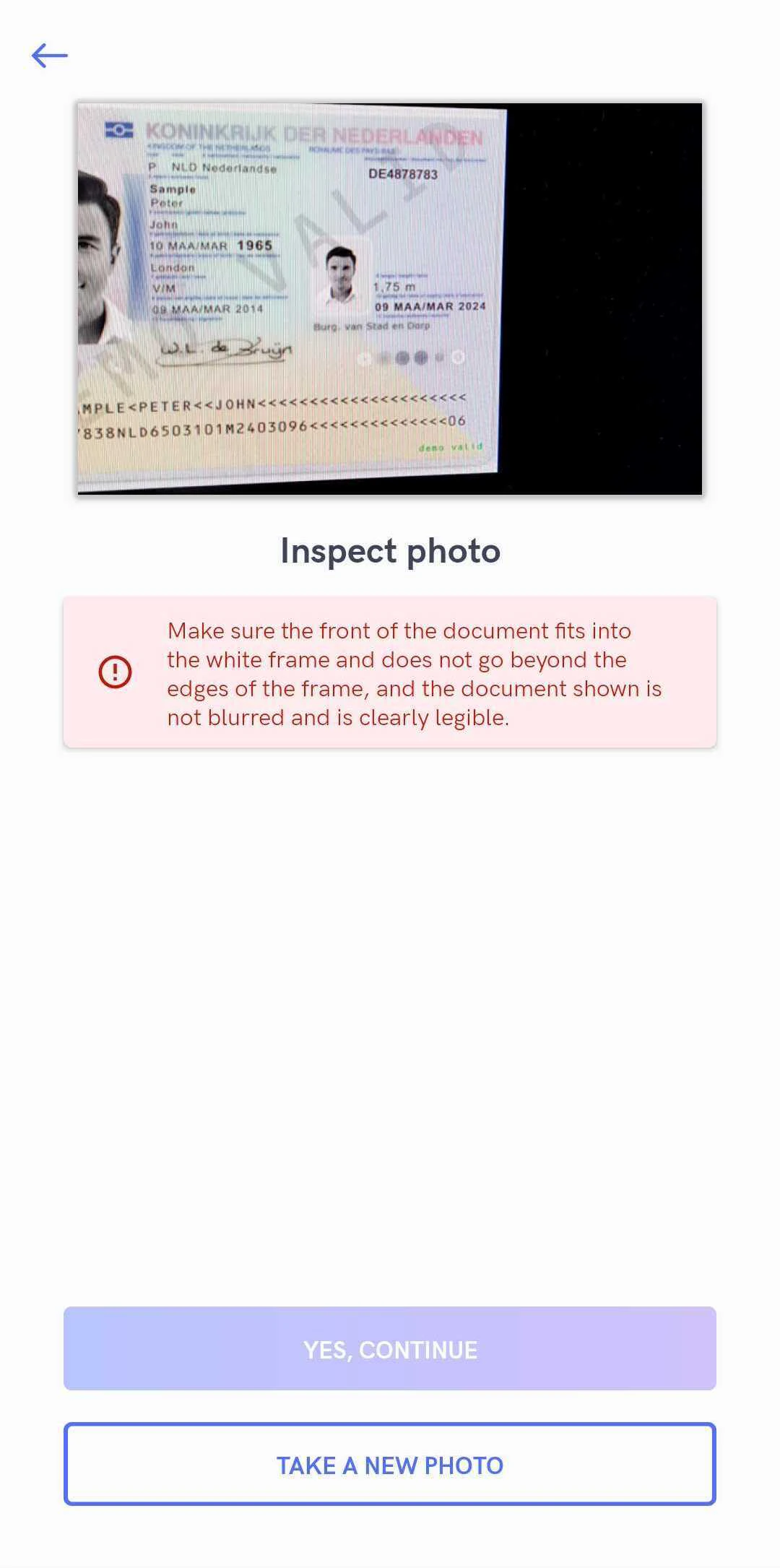

Adding the Document Recognition Dependency
In the app level Gradle, add an additional sdk-docrecognition module with the same version as the sdk-api module:To enable Document Recognition, contact technical support via the Jira customer portal.
Face Detection
While taking a regular face photo, you can enable the face detection feature, which requires users to place their face into the marked area before taking a photo. To improve the success rate, the SDK rejects faces that are too far from the camera.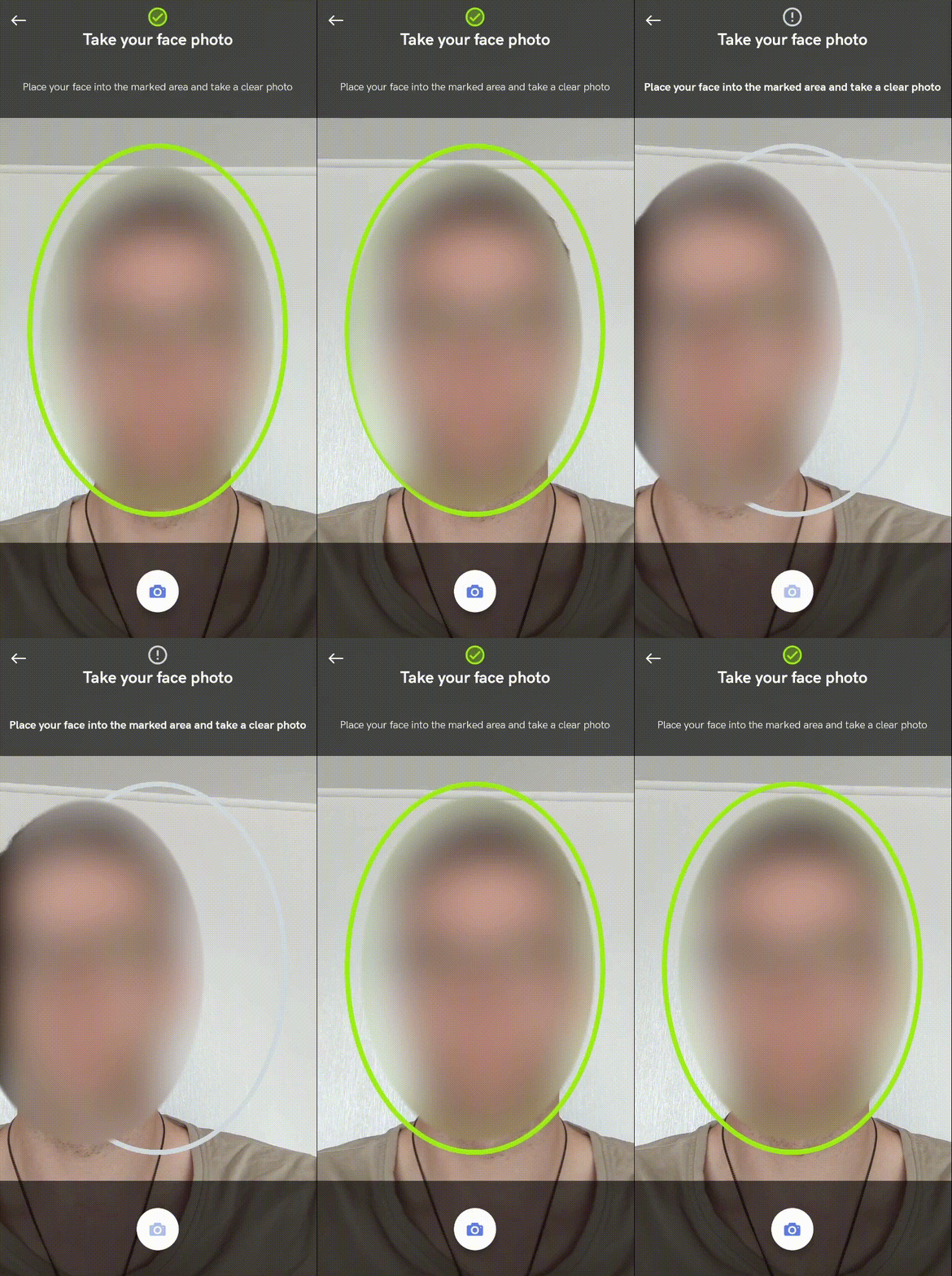
Contact technical support via the Jira customer portal to enable this feature. Face detection applies to both KYC verification and face authentication flows.
Face Auto Capture
While taking a regular face photo, you can enable the face auto capture feature, which requires users only to place their face into the marked area. The face photo is then automatically captured. To improve the success rate, the SDK rejects faces that are too close to or too far from the camera.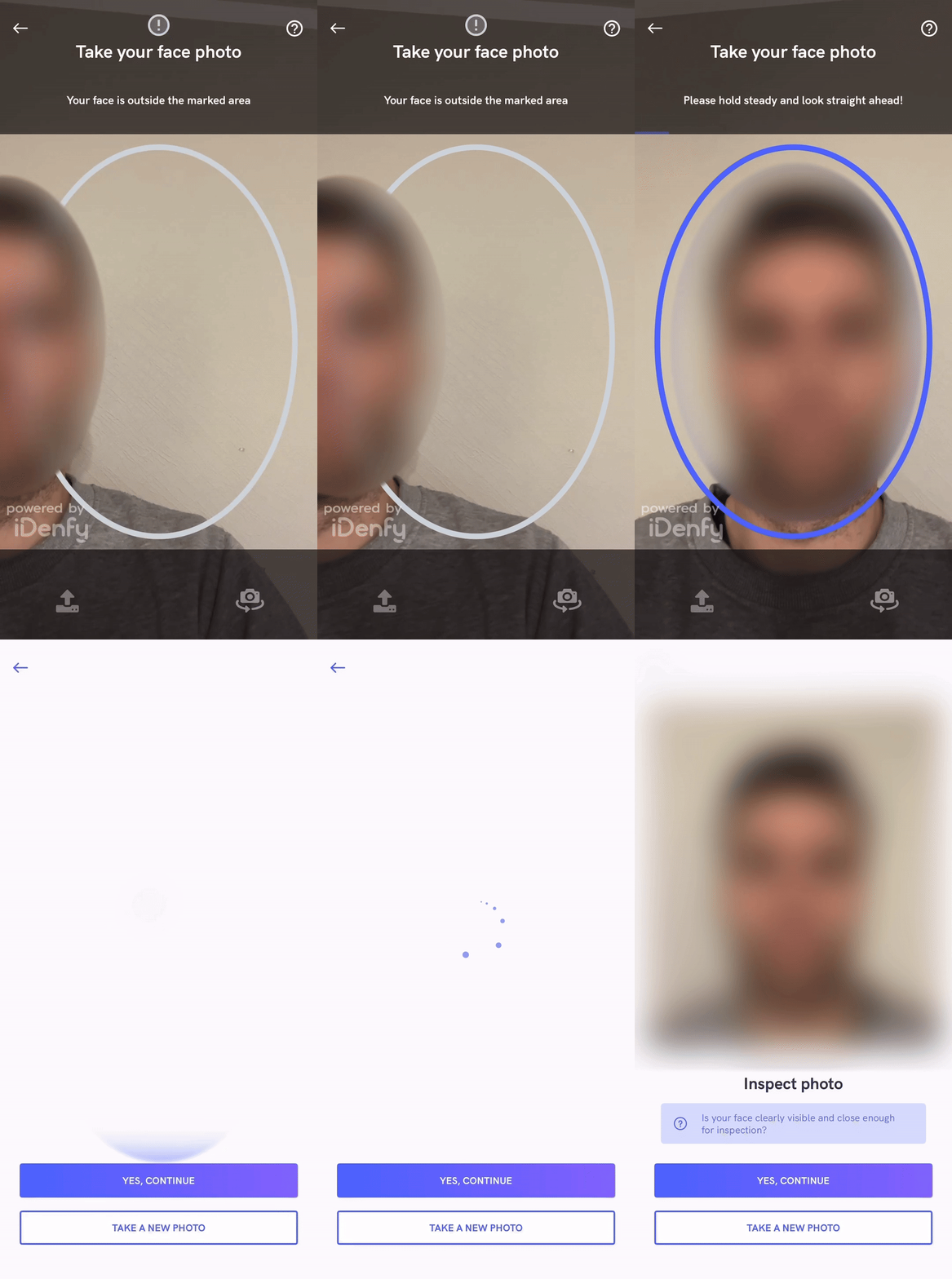
Contact technical support via the Jira customer portal to enable this feature.
Advanced Liveness Detection

Contact technical support to enable the liveness feature.
NFC Support
The SDK provides NFC enhanced identity verification.
NFC Required
If the NFC required feature is enabled, devices that do not support NFC will immediately fail verification. This is a security feature that ensures a person does not change devices just to perform verification. To enable verifications for all devices, your app can handle this scenario:- Create two different accounts: with NFC enabled and without.
- Check if the device supports NFC before creating a verification session.
- If the device supports NFC, create a verification session with the NFC-enabled account’s credentials. If NFC is not supported, use the other account’s credentials.
NFC Optional
If the NFC optional feature is enabled, the user is asked to perform document NFC reading ONLY if the device and selected document type support NFC chip reading. Otherwise, the SDK performs a regular identity verification.Virtual Camera Detection
The SDK provides the ability to check whether a face photo was taken using a virtual camera. Such verifications result in a FAILED status.Contact technical support to enable the virtual camera detection feature.
Bank Verification Feature
Use this feature to confirm the authenticity of your customer’s bank account during the account verification process. This step requires your customer to provide personal information, ensuring the financial institution interacts with a legitimate individual rather than someone using forged documents or stolen data.
To enable Bank Verification, contact technical support via the Jira customer portal.
Bank Card Verification
Use this feature to confirm that the bank card used during onboarding belongs to the person completing identity verification. When bank card verification is enabled for your account, the SDK adds a bank card step after face capture and before results. The user completes the step inside your app, with the same screens and retry rules as the web flow. They photograph the front of the card, and the back if asked, or upload a PDF where PDF upload is enabled. If more than one card is detected, the user picks the one to verify. Card images never pass through your app’s code. Capture runs in an iDenfy-hosted secure view inside the SDK, which sends the images straight to iDenfy’s PCI-DSS certified bank card environment. See Bank Card Verification.To enable Bank Card Verification, contact technical support via the Jira customer portal.
Custom KYC Questionnaire
This feature allows you to create a custom questionnaire that users must fill in at the beginning of every identity verification process. The questionnaire can contain required or optional questions and a variety of question types.
To enable the custom KYC questionnaire feature, contact technical support via the Jira customer portal.
Custom KYC Questionnaire Conditions
You can create questionnaires using conditions, based on answers to previous questions: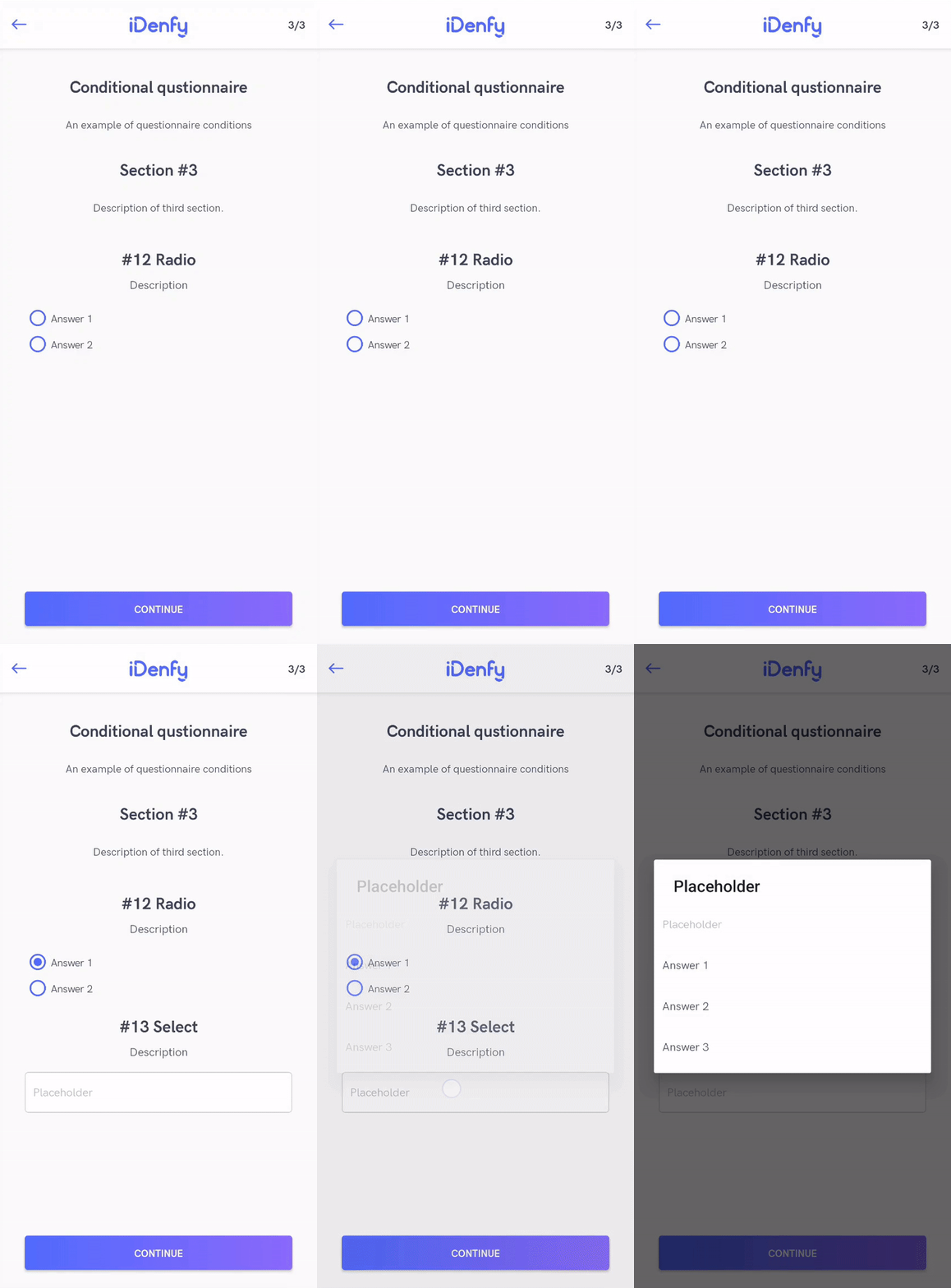
Custom Privacy Policy
This feature allows you to create a custom privacy policy that users must agree to at the beginning of every identity verification process. Along with the iDenfy privacy policy, the SDK adds a sentence that opens an alert dialog. The dialog shows your privacy policy as fully customizable HTML.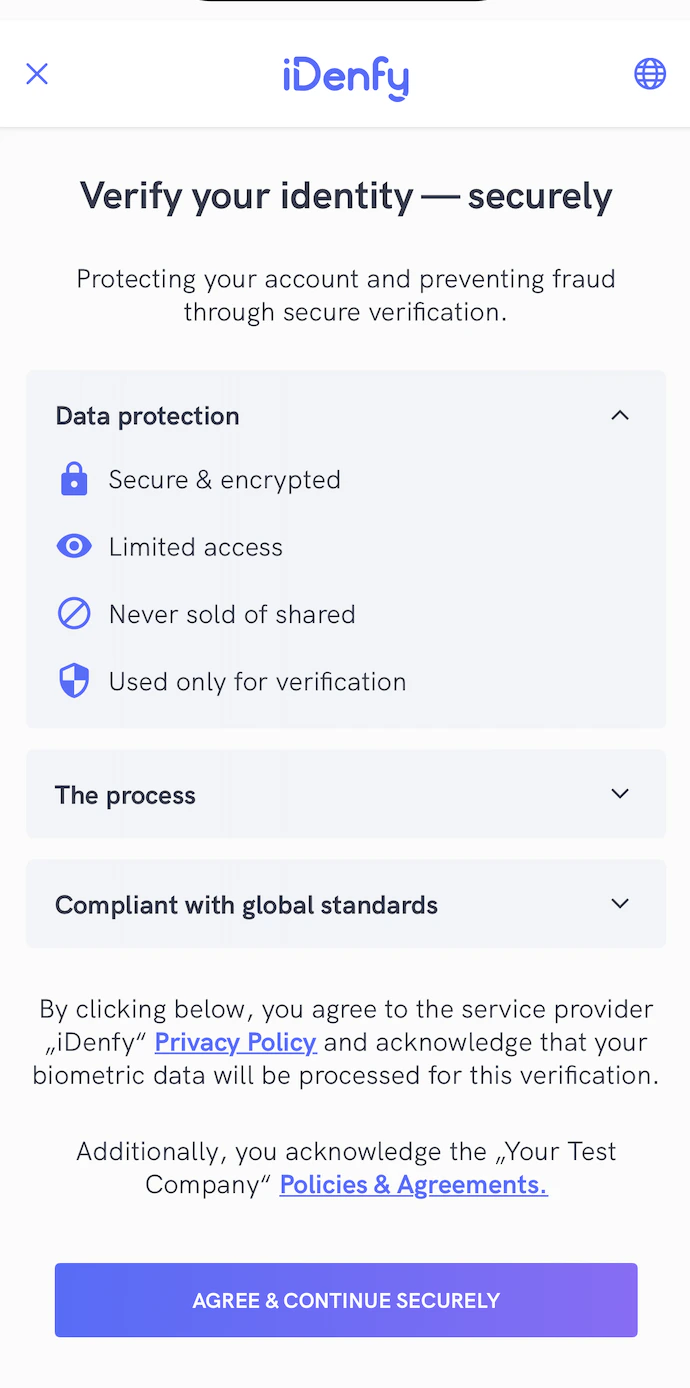

To enable the custom privacy policy feature, contact technical support via the Jira customer portal.
Email Verification
This feature requires users to verify their email address before their identity verification.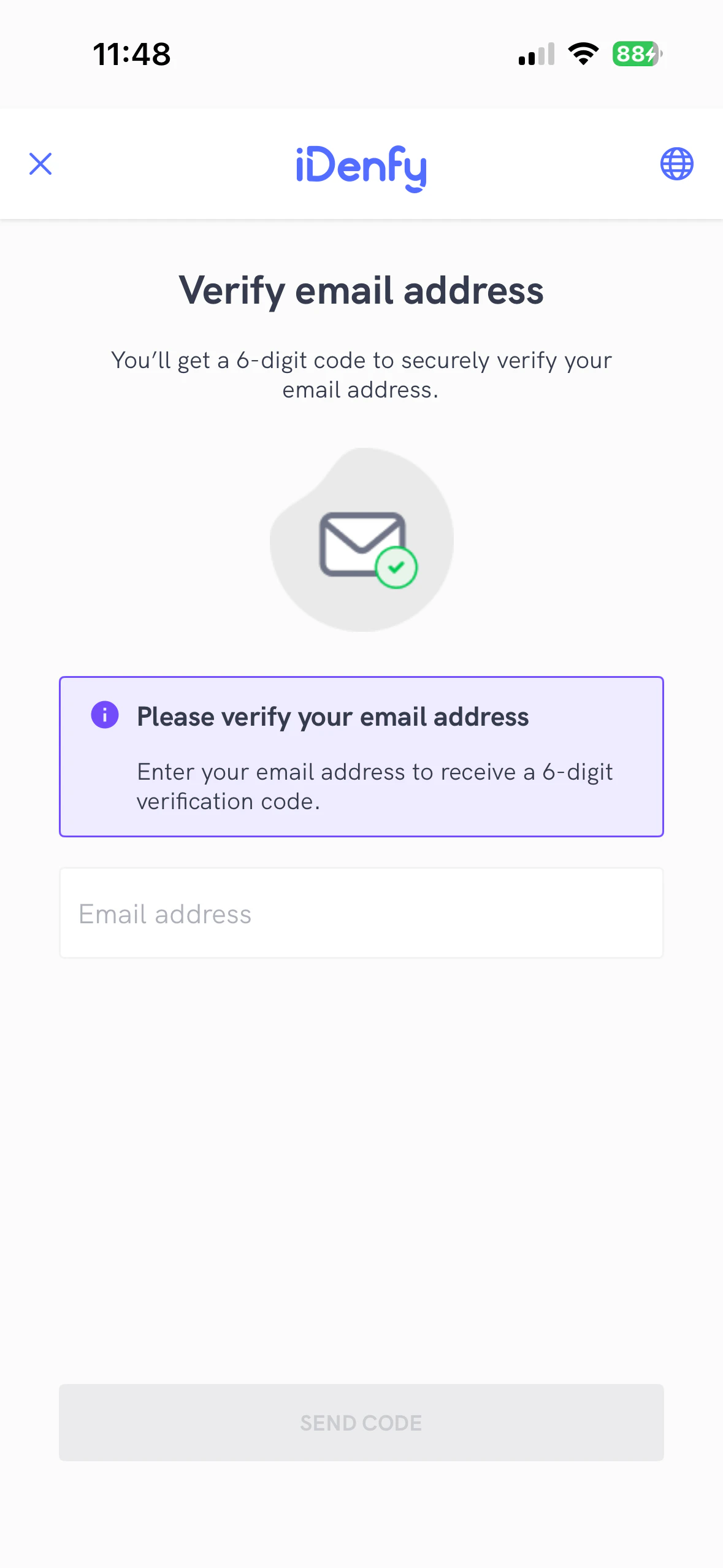
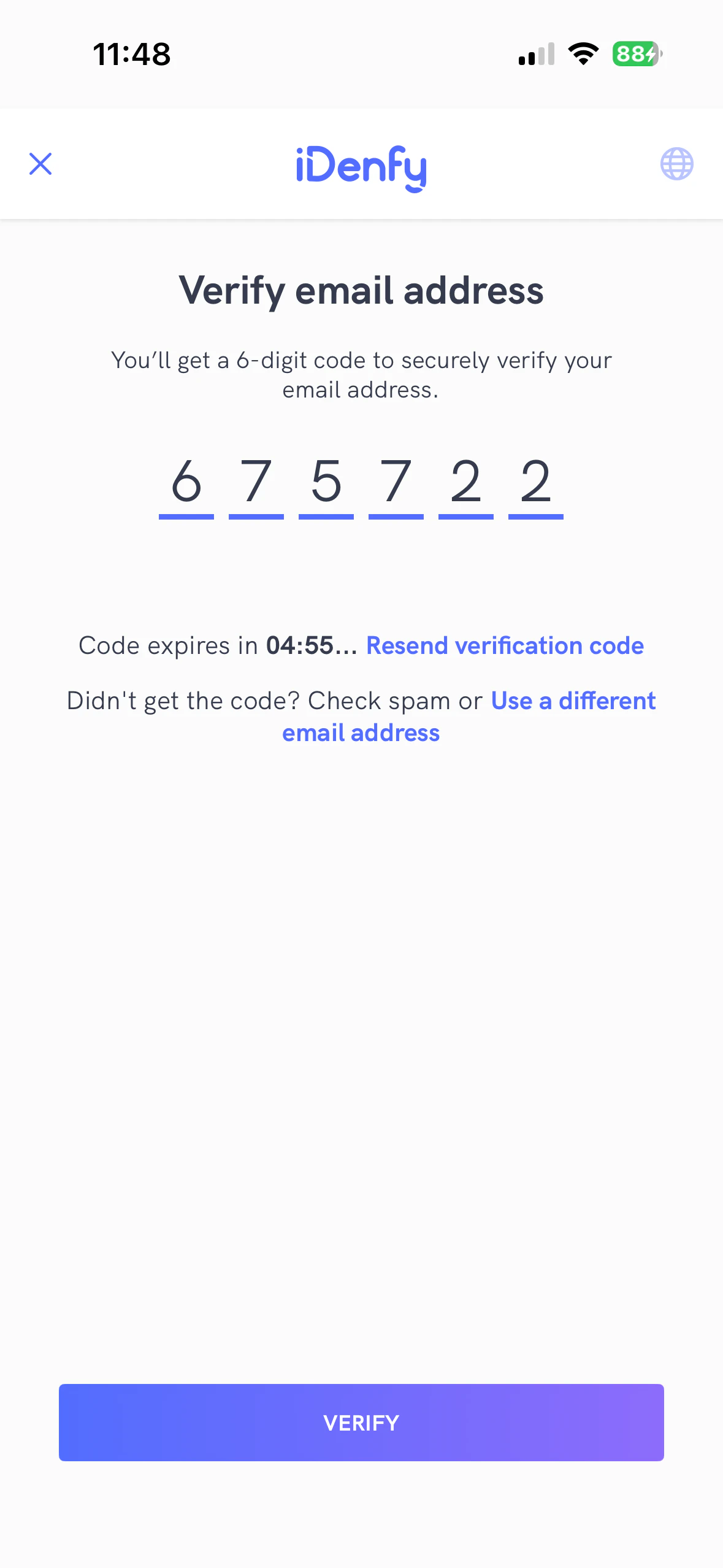
To enable the email verification feature, contact technical support via the Jira customer portal.
Phone Number Verification
This feature requires users to verify their phone number before their identity verification.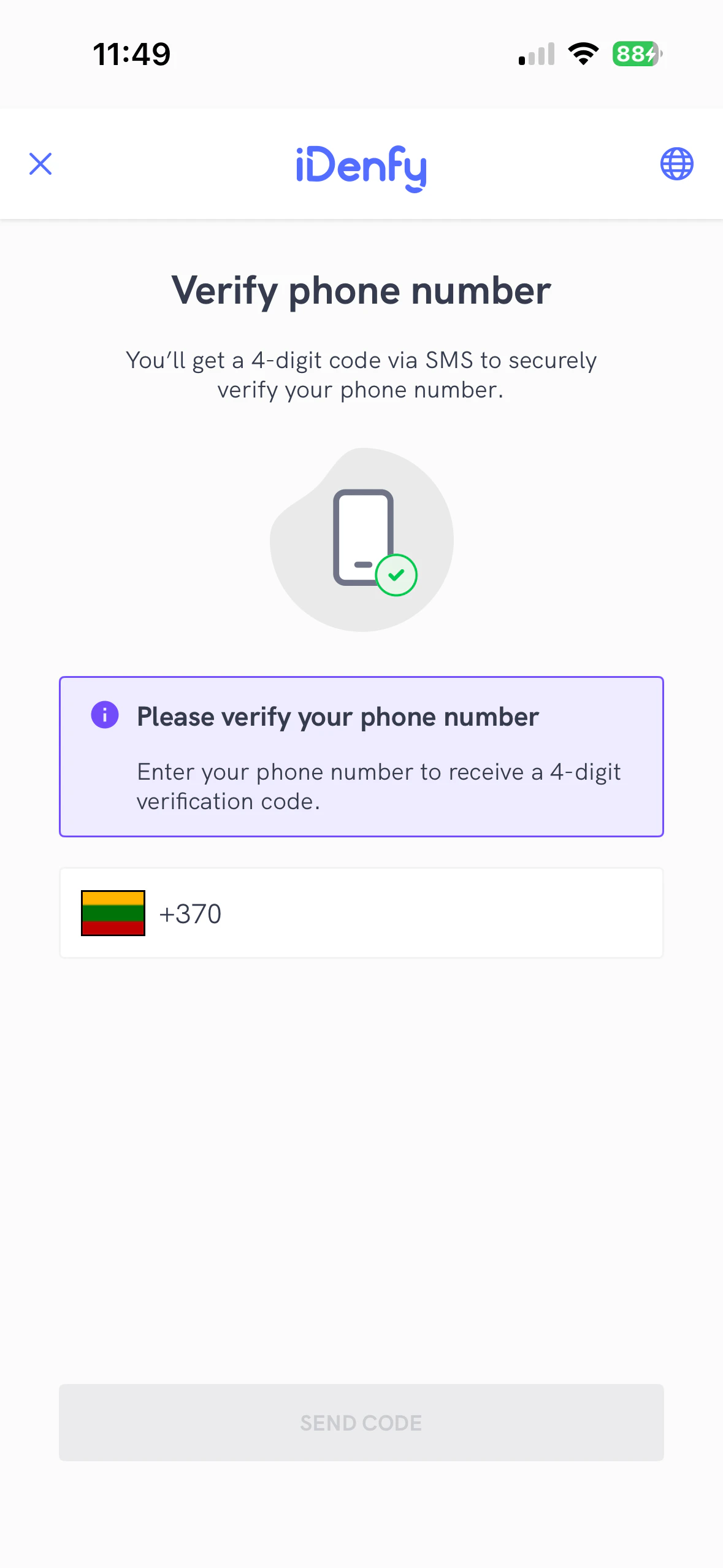
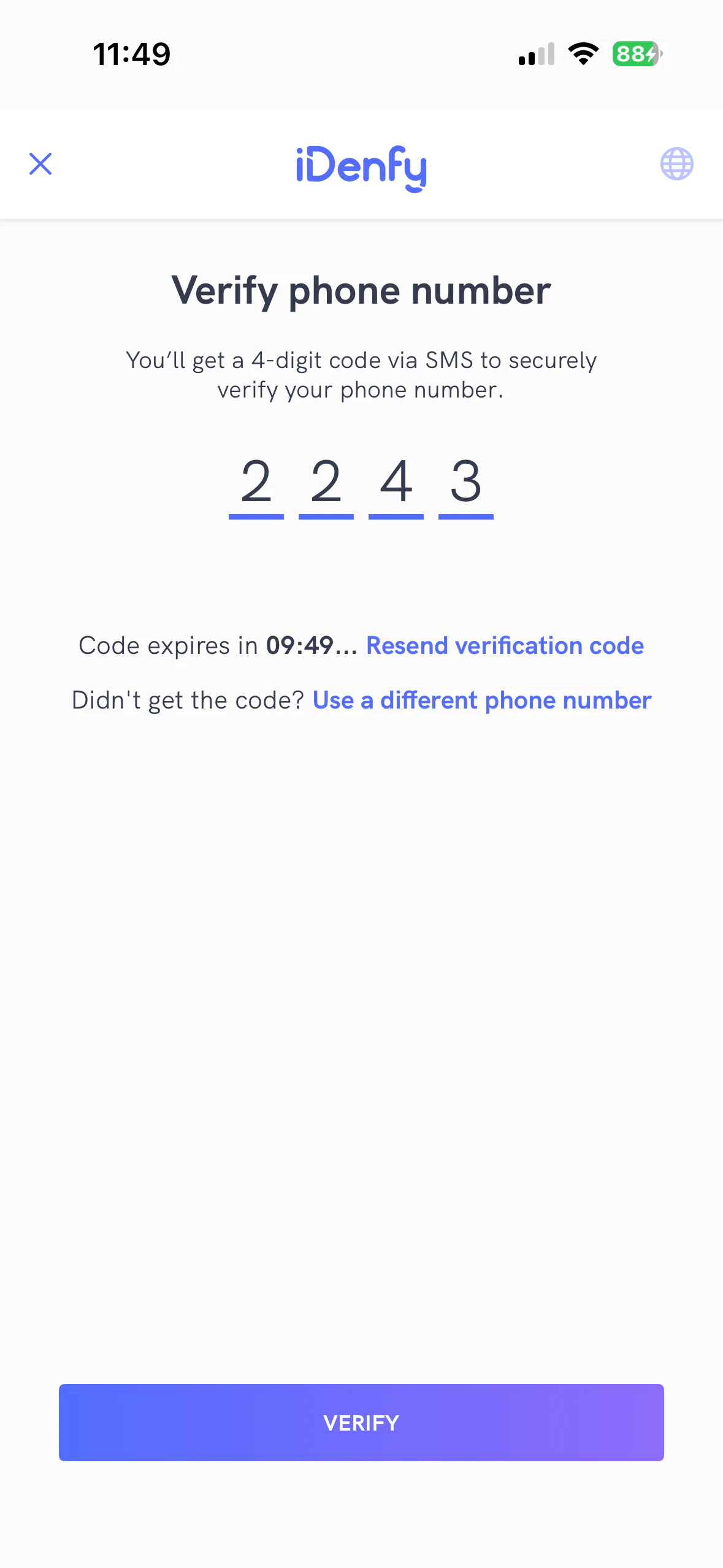
To enable the phone number verification feature, contact technical support via the Jira customer portal.
Request Update
This feature allows you to collect updated verification information (POA documents, questionnaires, risk assessments) for an existing verification using a token from the Request Update API.Launching
Starting the request update flow is the same as launching the SDK with a KYC token. Use the token from the Request Update API instead. Follow the quickstart guide for the full launching instructions.Receiving Results
Check forIdenfyController.IDENFY_REQUEST_UPDATE_RESULT_CODE in the activity result callback: