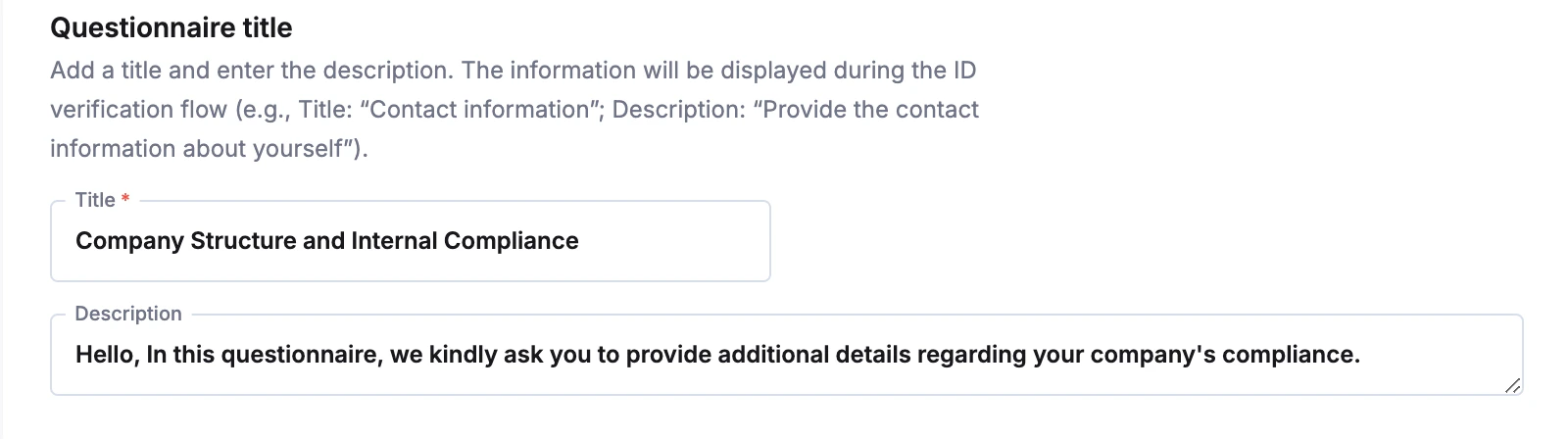
General Setup
Company name: Enter the legal name of your entity. This name will be dynamically inserted into the agreement text where applicable and ensures your user knows who is requesting their data.Policy Content
Use the Rich Text Editor to draft your privacy policy. The toolbar allows you to format the document to match your compliance standards:- Formatting: Use Bold, Italic, Underline, and Strikethrough to emphasize key terms.
- Structure: Organize content using Headers (H1, H2), Bullet points, and Numbered lists.
- Media & Links: Insert hyperlinks to external documents, or embed images/videos if necessary.
Multi-Language Support
You can provide translated versions of your policy to match your user base.- Default Language: The system usually defaults to English.
- Add Languages: Click the + Add privacy policy button to create a new tab for a different language.
- Manage Versions: Use the arrow icon () to expand/collapse a language card, or the trash icon () to remove a translation.
User Consent
Request Privacy Policy confirmation- Checked: The user must manually tick a checkbox agreeing to the privacy policy before they can proceed with verification.
- Unchecked: The policy is displayed, but an explicit “I agree” checkbox is not required to continue.