

Changes only apply after you click Save.
General Information
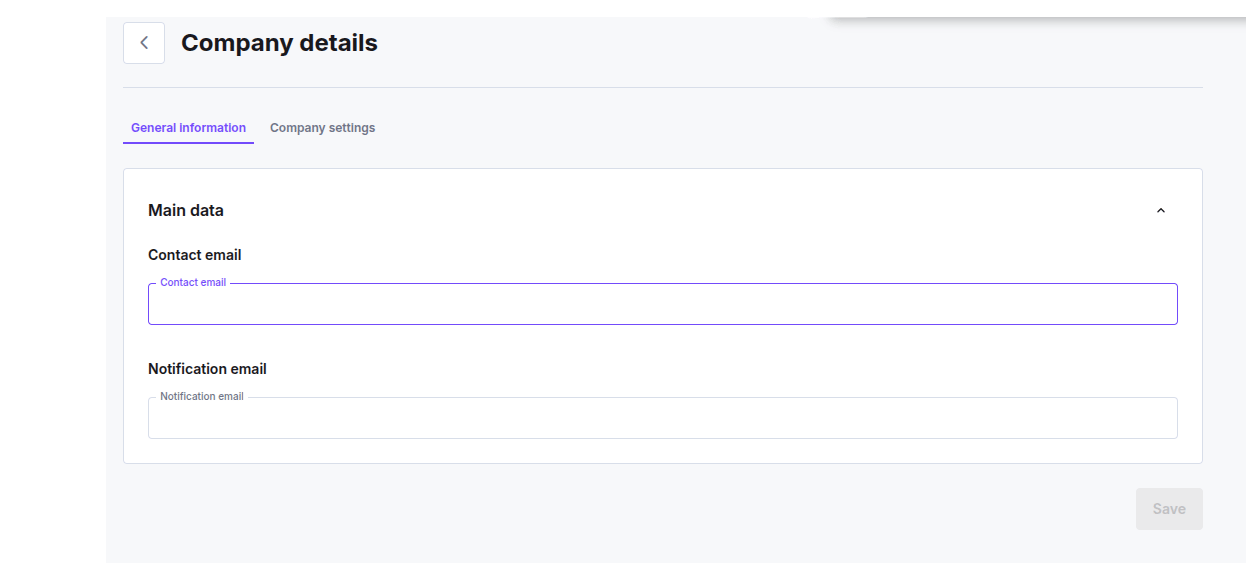
- Contact email (required): your primary contact address. Used for important and critical notifications, account and finance emails, and it’s also the fallback address your invoices and payment receipts go to. Changing it needs confirmation: we send a verification code to the new address, and you enter it before the change is saved.
- Notification email (optional): the address that receives a result email for each approved or denied verification. Leave it empty if you don’t want per-verification emails.
Company Settings
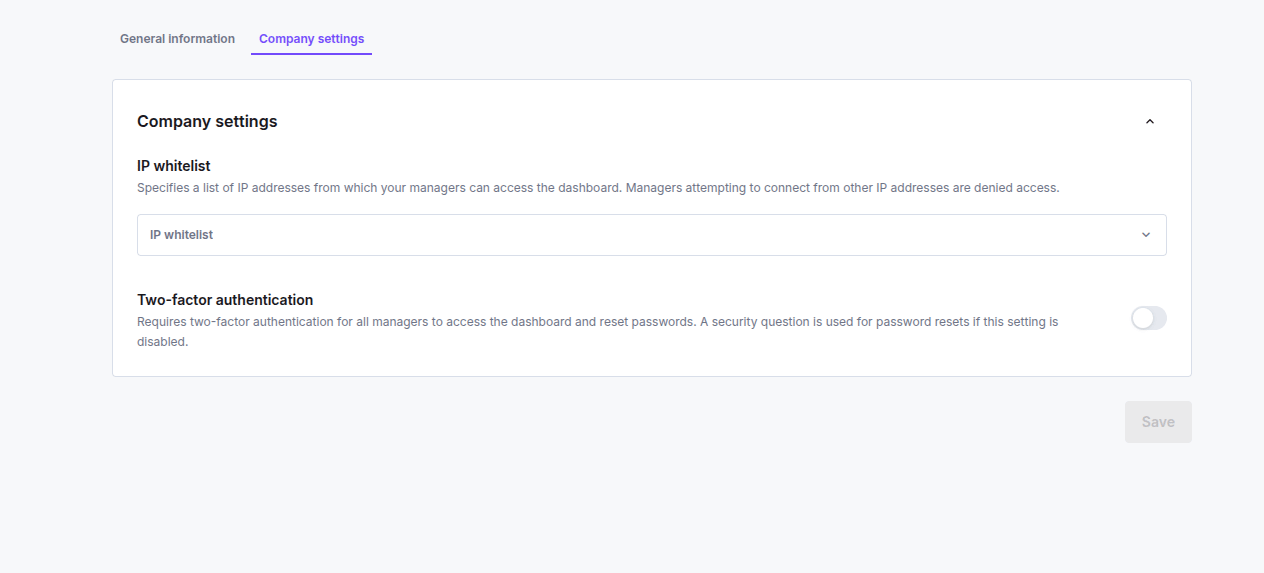
- Two-factor authentication (on/off): when on, every manager in your company must use two-factor authentication to log in and to reset their password. When off, password resets use a security question instead.
- IP whitelist (list of IP addresses, optional): restricts dashboard access to the addresses you list. The dashboard denies access to managers connecting from any other IP. Each entry must be a valid IPv4 or IPv6 address. Leave the list empty to allow any IP.