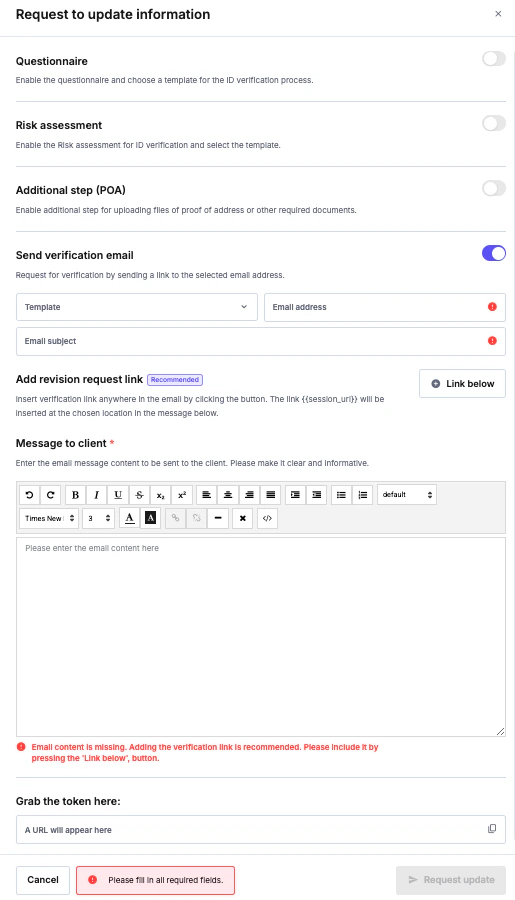
- Targeted Edits: You can select specific areas for clients to edit, rather than requiring them to re-submit an entire dataset.
- Accurate Information: Helps ensure you have the most current and correct client data.
- Compliance: Supports maintaining up-to-date information, which can assist with regulatory requirements like Enhanced Due Diligence (EDD).
How to Use Request Update
Open completed and approved verification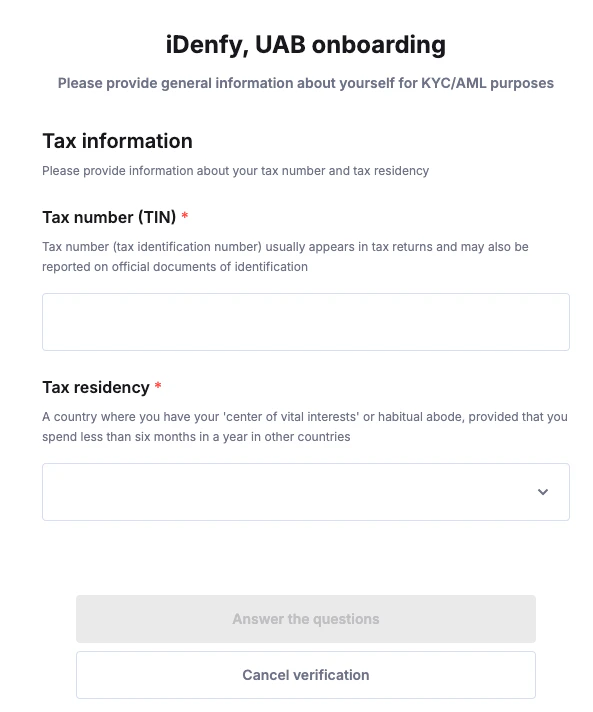

If Bank Card Verification is enabled on your account, it can also be selected as an option here — for example, to re-request a card check after a No Match result.
Client Perspective
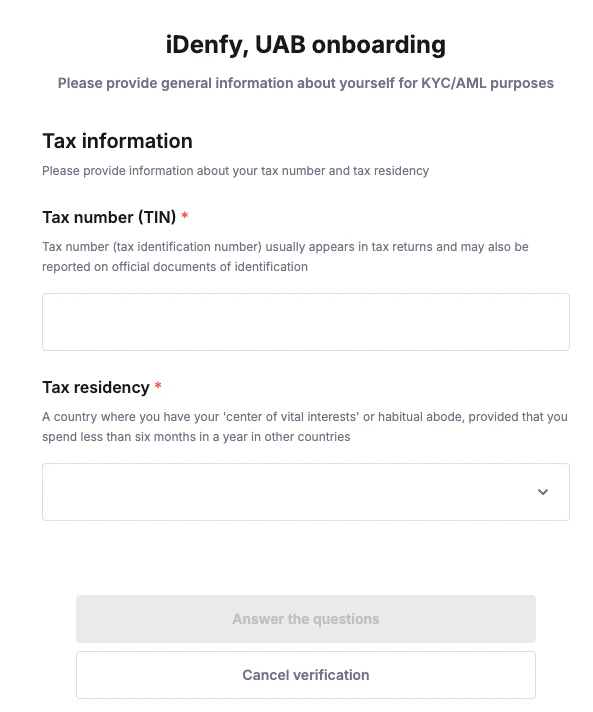
The client opens the received URL and sees the pages they should or could edit. If no page is specified, the client can edit all the information. To change a page, the client clicks Edit.