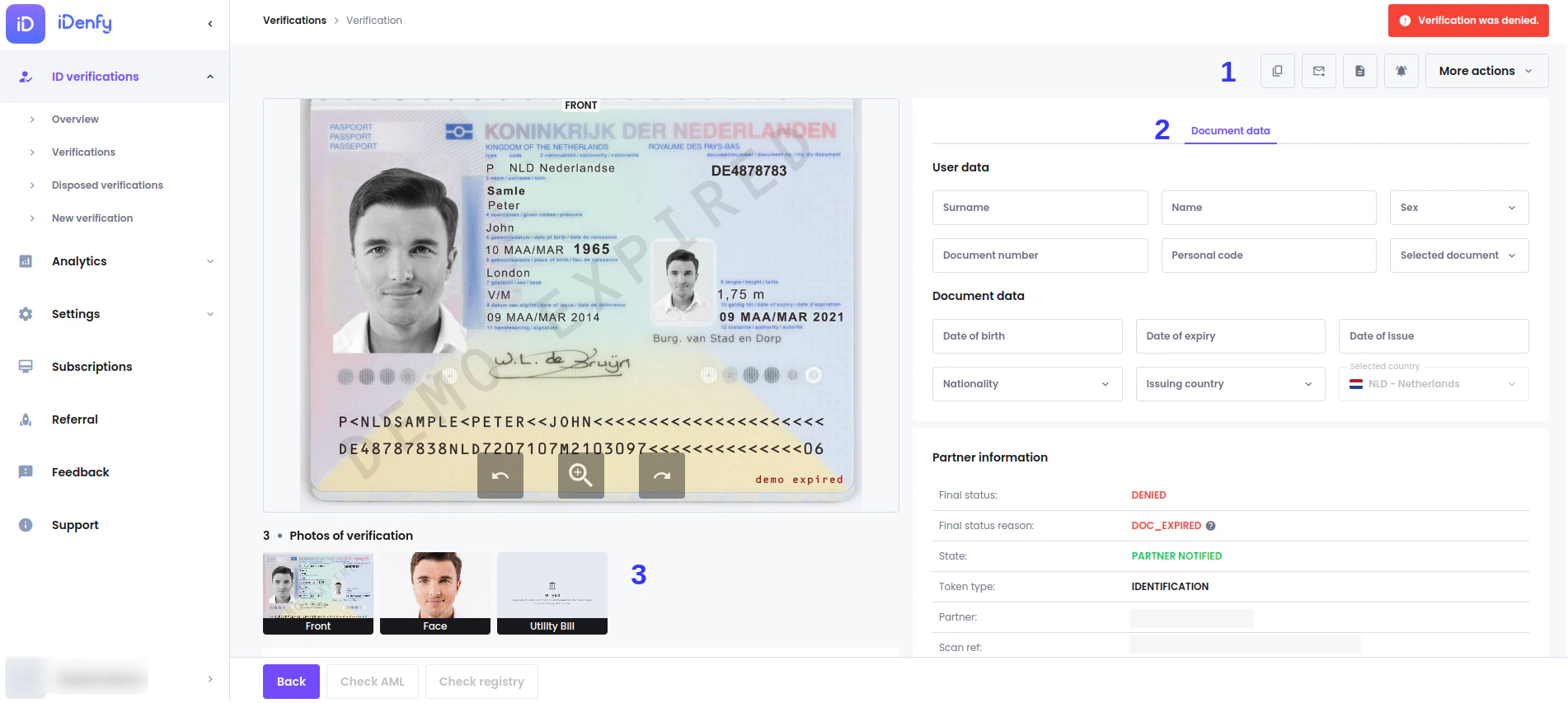
Finding Verifications
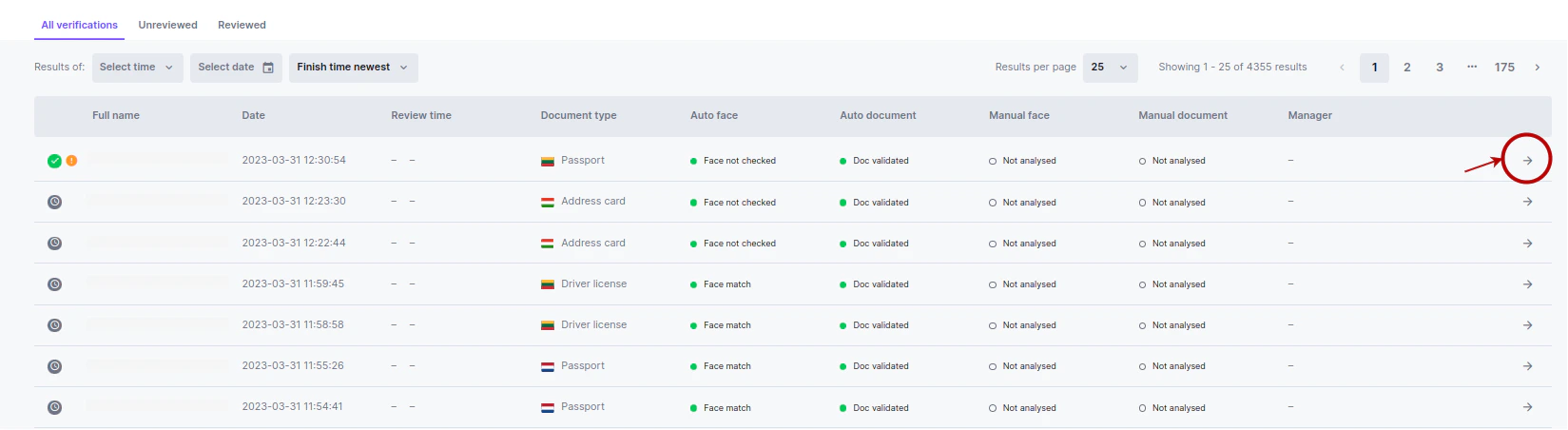
To see all verifications, navigate to ID Verifications → Verifications- You can click the verified person’s name to open the details window
- Click the arrow on the left side of the record
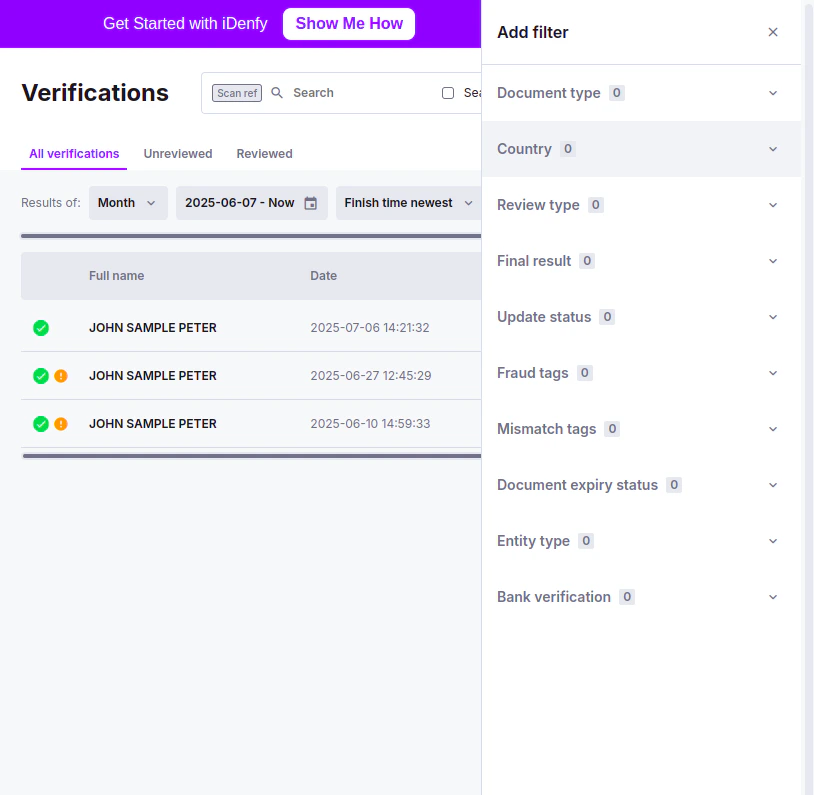
Filtering
You can filter by:- Client data, statuses
- Time & Date
- Client identifiers
Client Data, Statuses
In the top right corner, click Add filter. A sidebar opens with all the selectable options.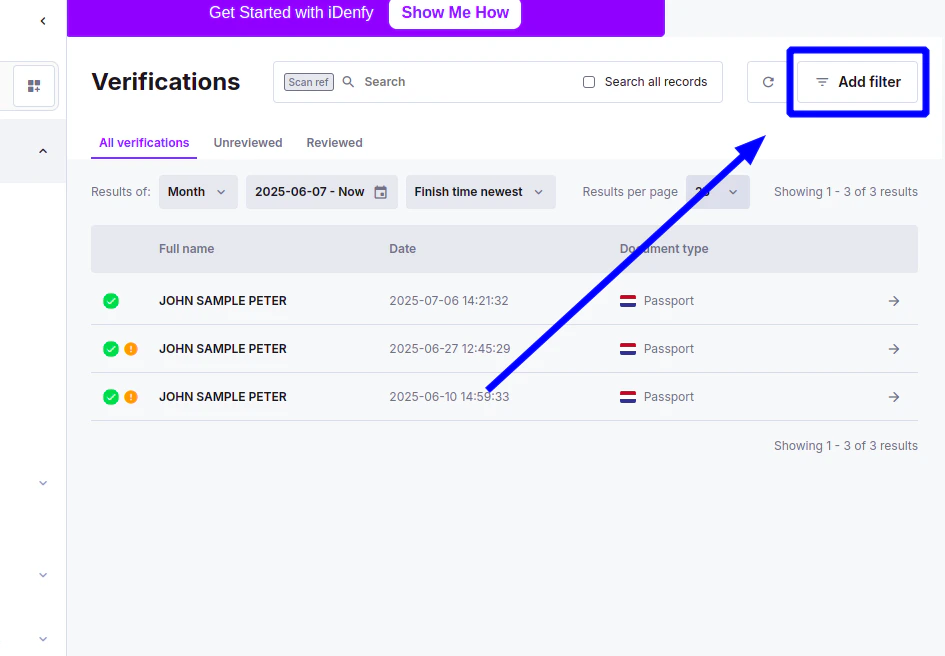
Filtering by Country
In the verifications list, the Country filter groups countries by continent: Europe, Asia, Africa, North America, South America, Oceania and Antarctica. Continents are collapsed when you open the filter.- Select a continent to select every country in it, then deselect any countries you want to leave out.
- Individual countries can still be selected on their own, without selecting their continent.
- Searching for a country looks through every continent, whether it is expanded or not.
Verifications that are 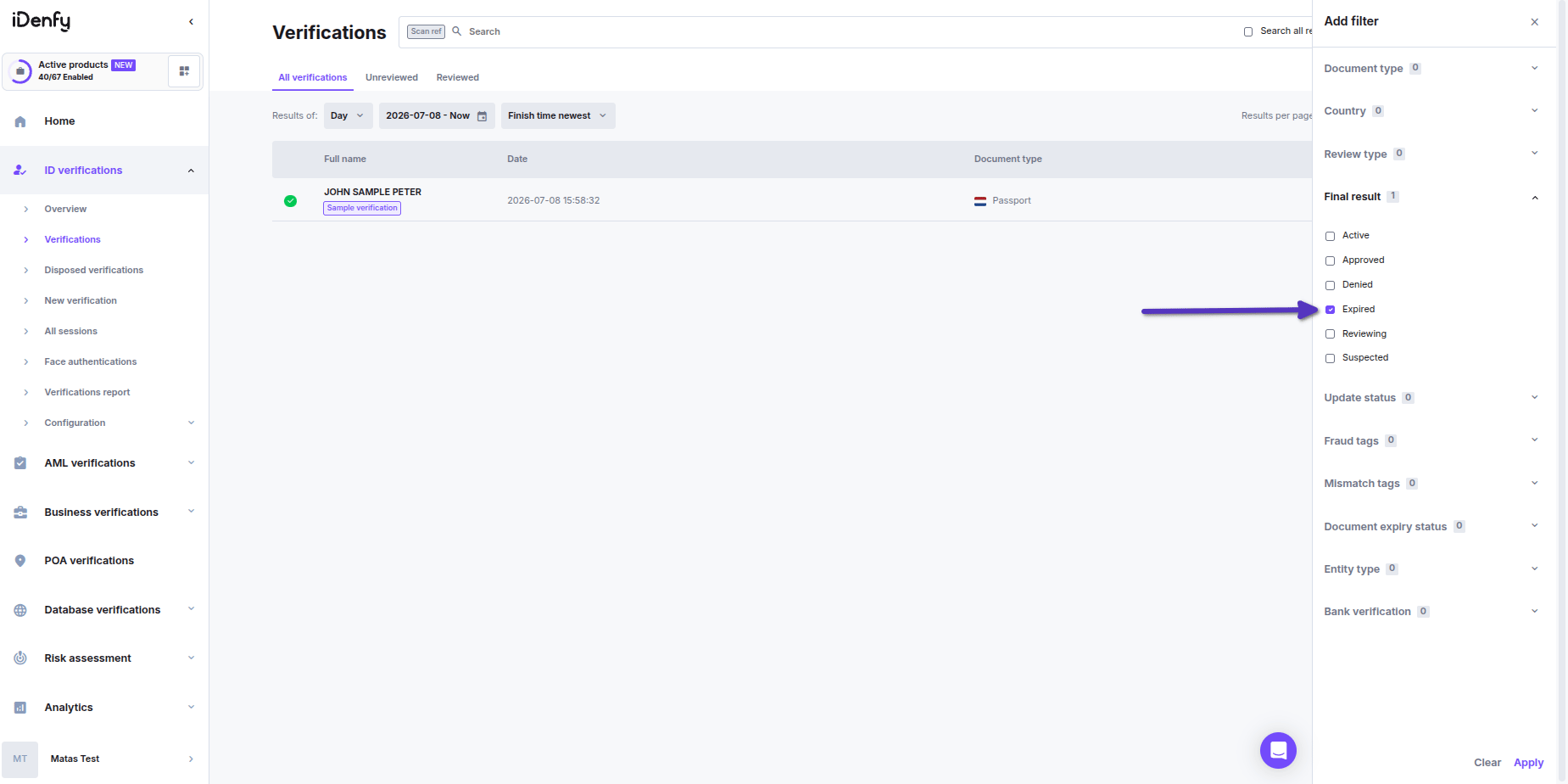
EXPIRED will only appear in the list if specifically filtered outTime and Date
You can use pre-made periods, or a specific time period, or use Search all records to filter all your database. Additionally, you can sort by age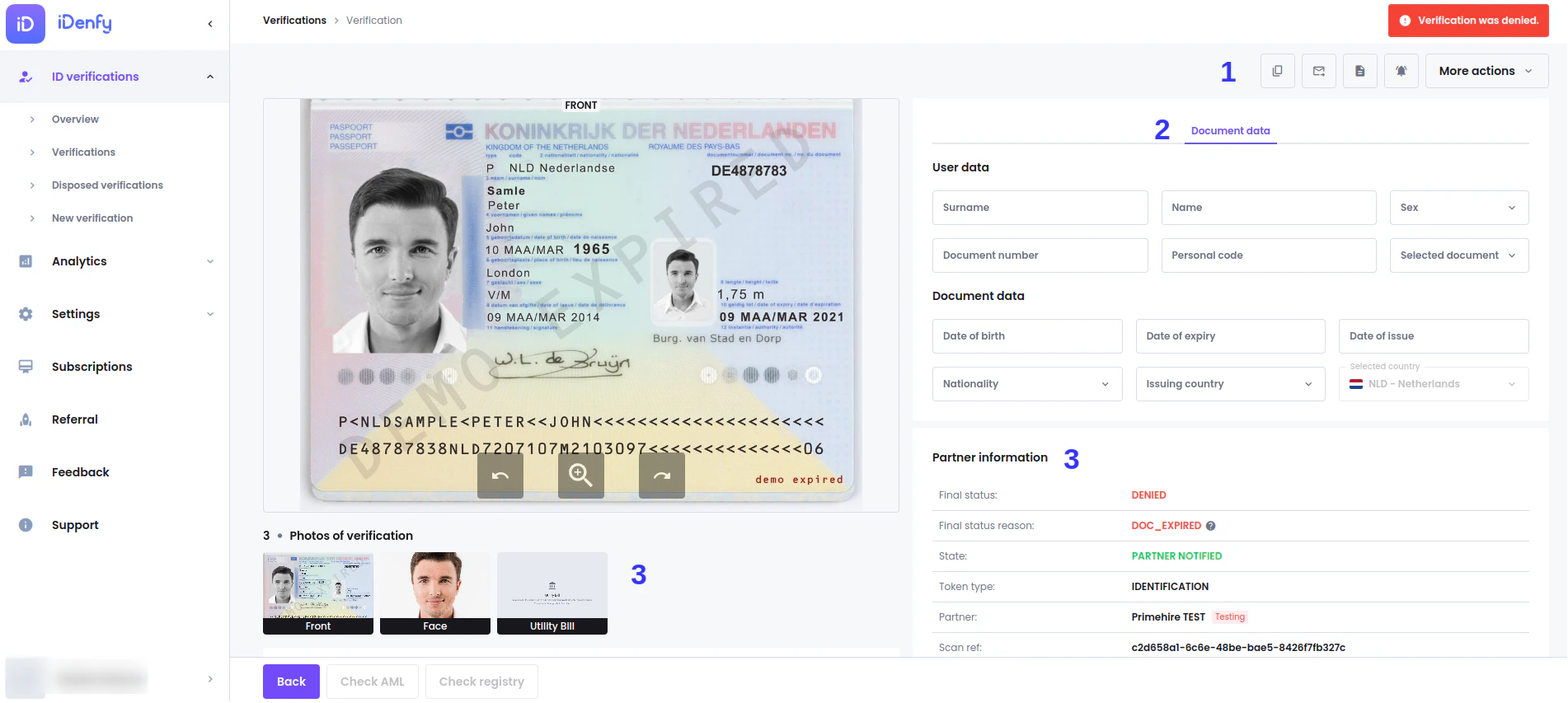
Client Identifiers
Click the current identifier and select the identifier you want to use:- Name — Client’s name, can be filtered either by name, surname, or both
- Personal code
- scanRef — This is an identifier generated for verification by iDenfy
- Token string — Identifier used pre-verification
- Client ID — Identifier added by partner
- Email — By the client’s email, only usable if collecting this information during verification.