About Risk Assessment Functionality
Client risk scoring is an essential process for businesses to evaluate potential risks, prevent fraud, and ensure regulatory compliance. Our risk assessment solution provides an additional layer of user risk verification to help you manage risks more effectively. To accurately assess the risk of potential users, you can either use the default rules provided and/or create custom rules tailored to your specific needs - all without coding.How to Create a KYC Risk Assessment
You can find a complete guide on how to create a KYC risk assessment by following this link:
The rules used for risk assessment come from the applicant’s identity verification unless you create custom rules.
How KYC Risk Scoring Is Calculated
The overall risk score is weight-based. Each category you create can have one or more rules. By default, there are 5 risk levels the rule can have:- Very low - 1
- Low - 2
- Medium - 3
- High - 4
- Very high - 5
- The general rule is that the system calculates each category risk by its weight and sums up everything ((1 Category risk * 1 Category weight) + (2 Category risk * 2 Category weight) + (2 Category risk * 2 Category weight)…)
- For example, suppose nationality data and income data are each weighted at 50%. A person from a very high-risk country may still receive a high-risk status, even if their income is classified as medium.
How to Use KYC Risk Assessment with Identity Verification
What the User Sees Once They Start the Session with Risk Assessment
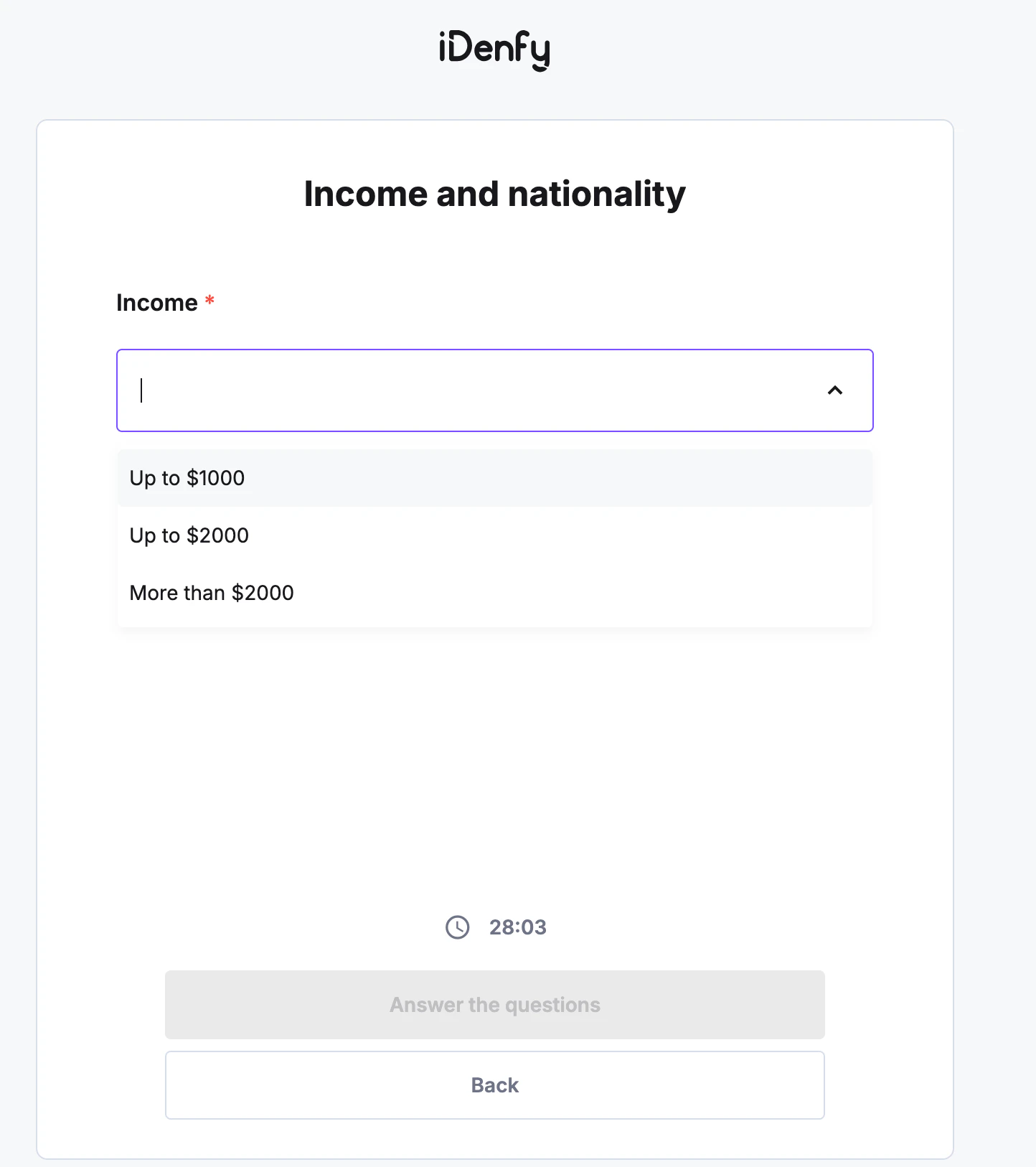
Once you have finished creating the session for the new user and they have received the link, they will be able to complete their identity verification as usual. The only difference is that they will also encounter the custom additional risk assessment fields you created, displayed as a questionnaire. An example of the custom field we previously created is shown below: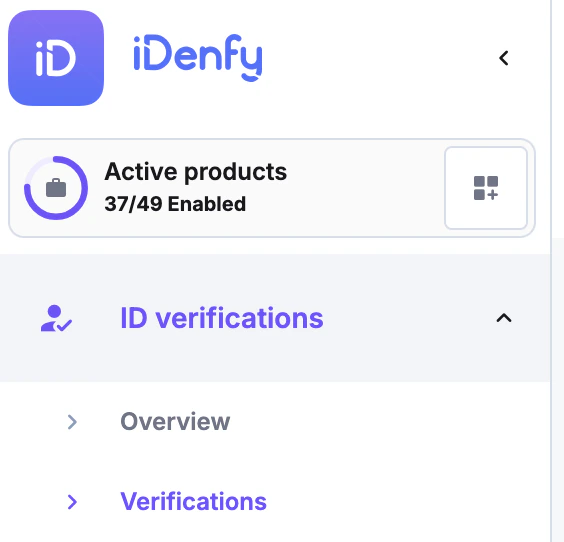
- Up to $1000, the risk will be High,
- Up to $2000, the risk will be Medium
- More than $2000, the risk will be low
Where to Check Risk Assessment Results After Identity Verification
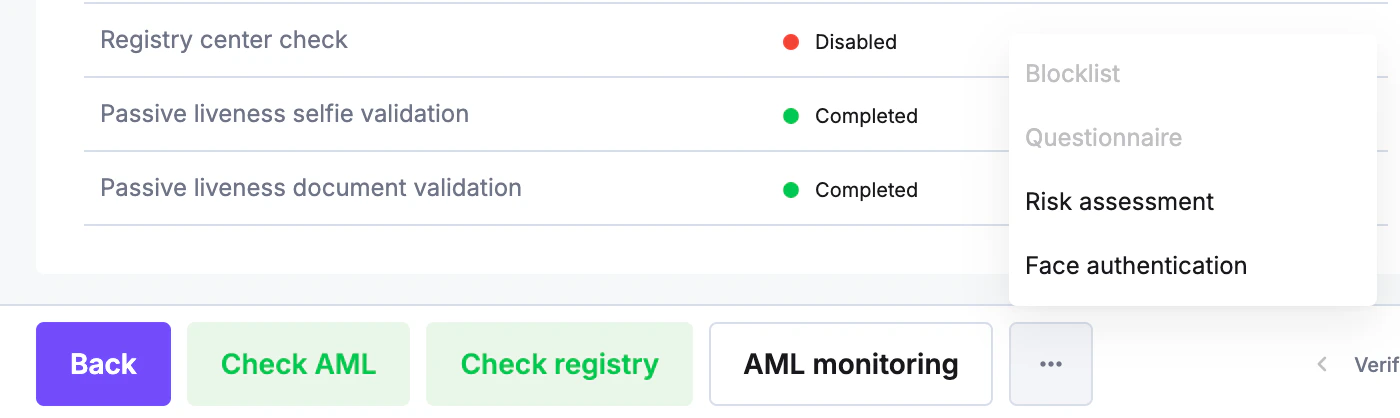
If the user successfully verified their identity, you can find the risk assessment results in the dashboard under the identity verifications, verifications section.