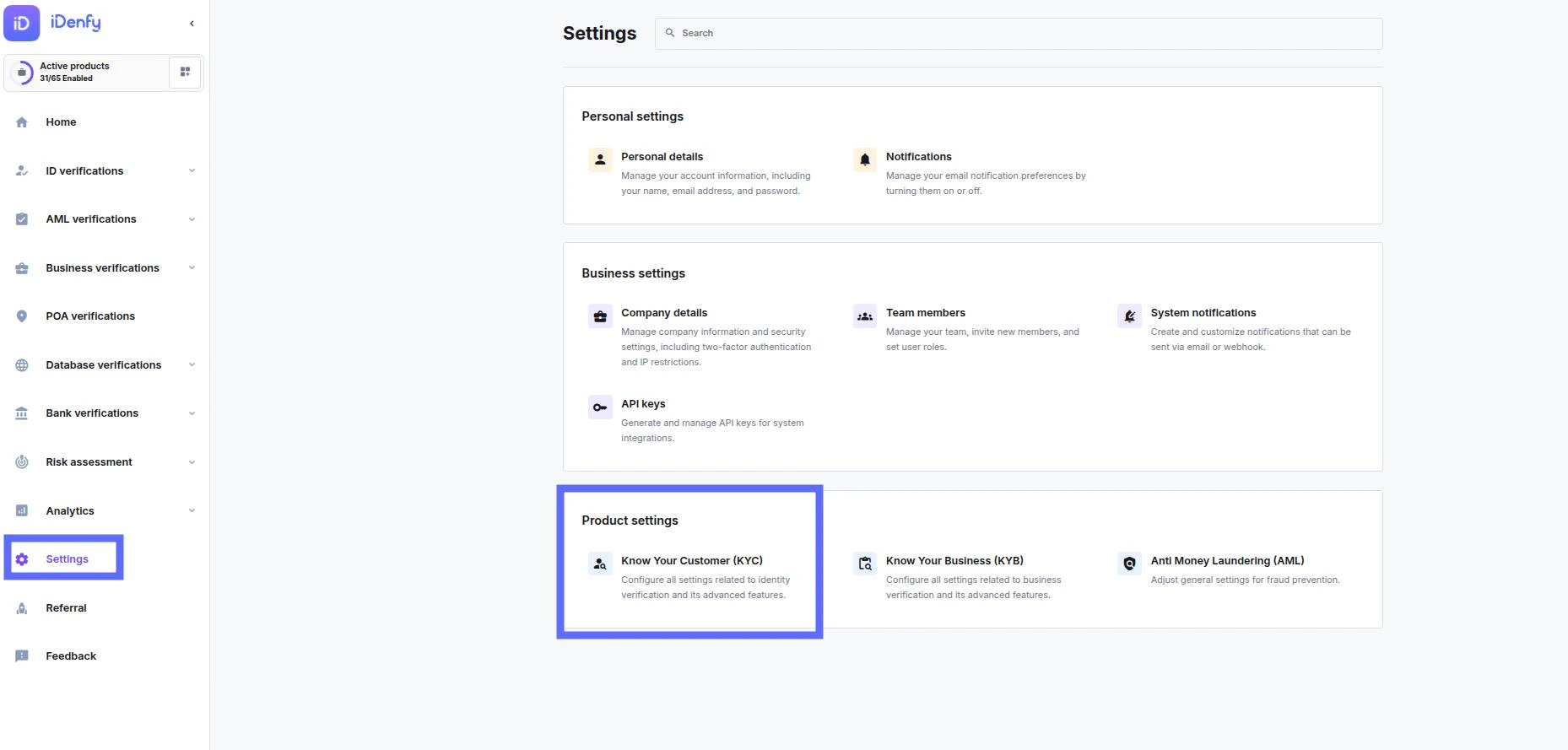
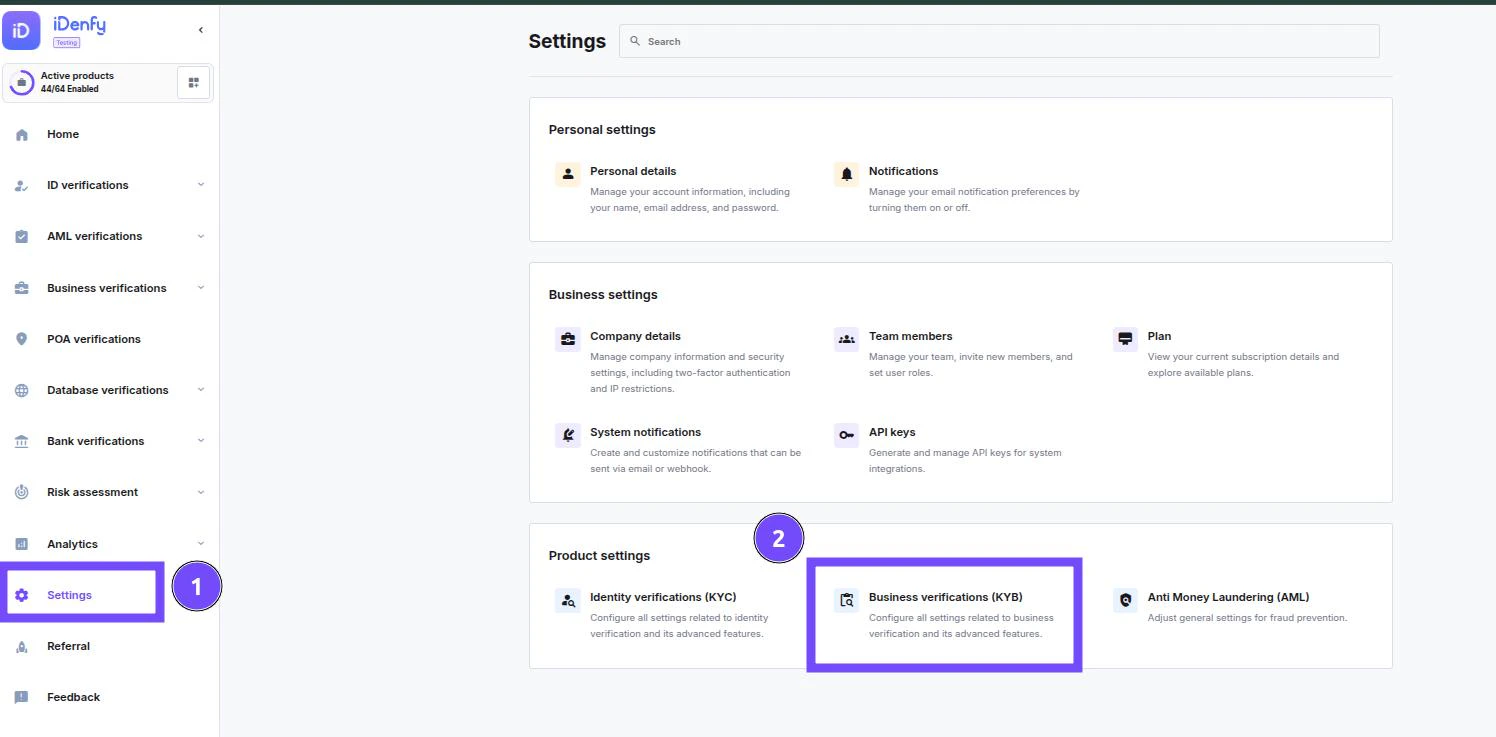
To find the KYC settings

Open settings in the navigation bar on the left Select the Business verification option under Product Settingsimage
Setting tabs

image Configuration– Define core KYB rules and default settings for business verifications. User interface– Adjust how the KYB flow looks and behaves for end‑users. Monitoring– Track verification activity, status, and performance over time. Operational settings– Configure operational rules such as workflows, limits, and handling logic. Themes – Create and manage branded themes for business verification flows. image-20251203-105123 image-20251203-104551