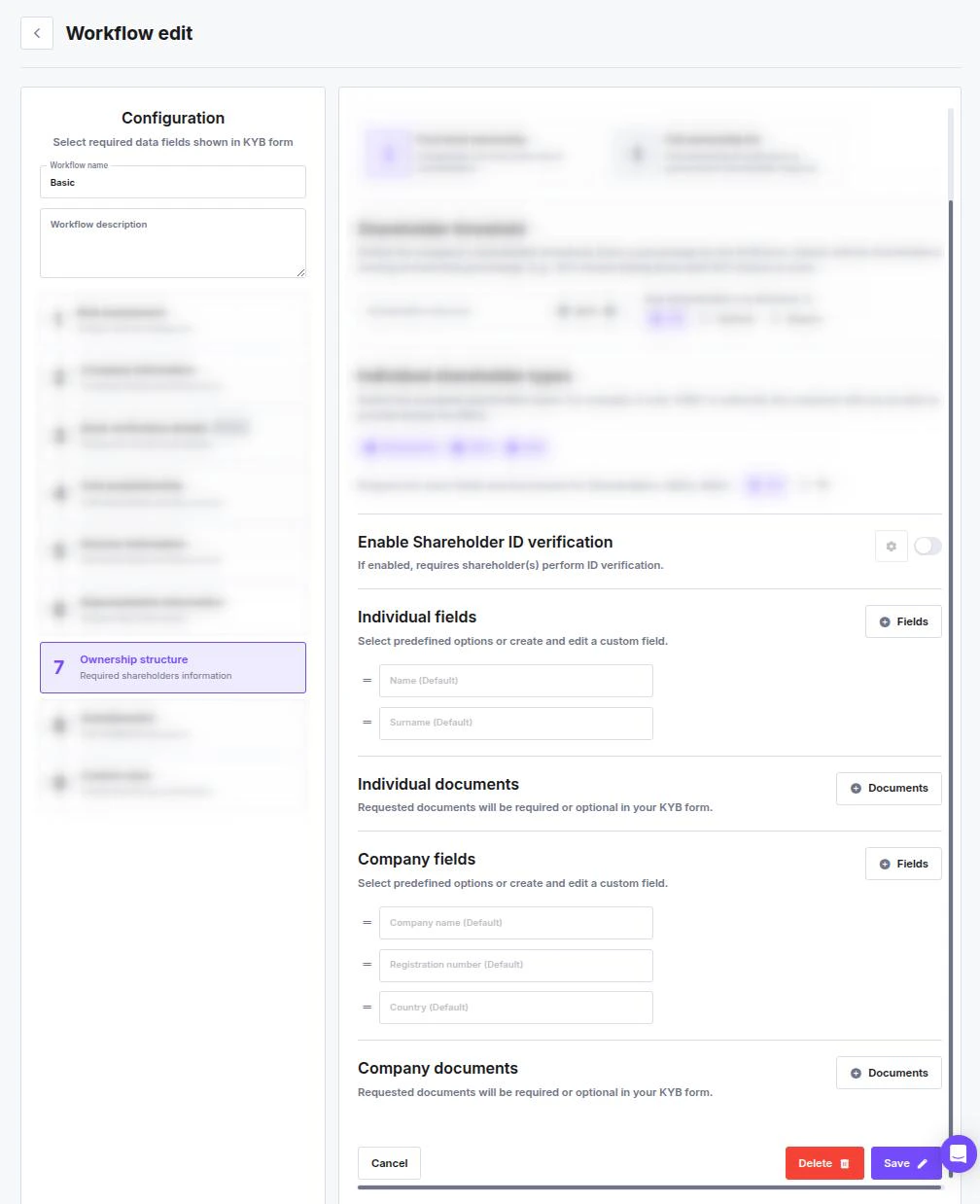
General Configuration
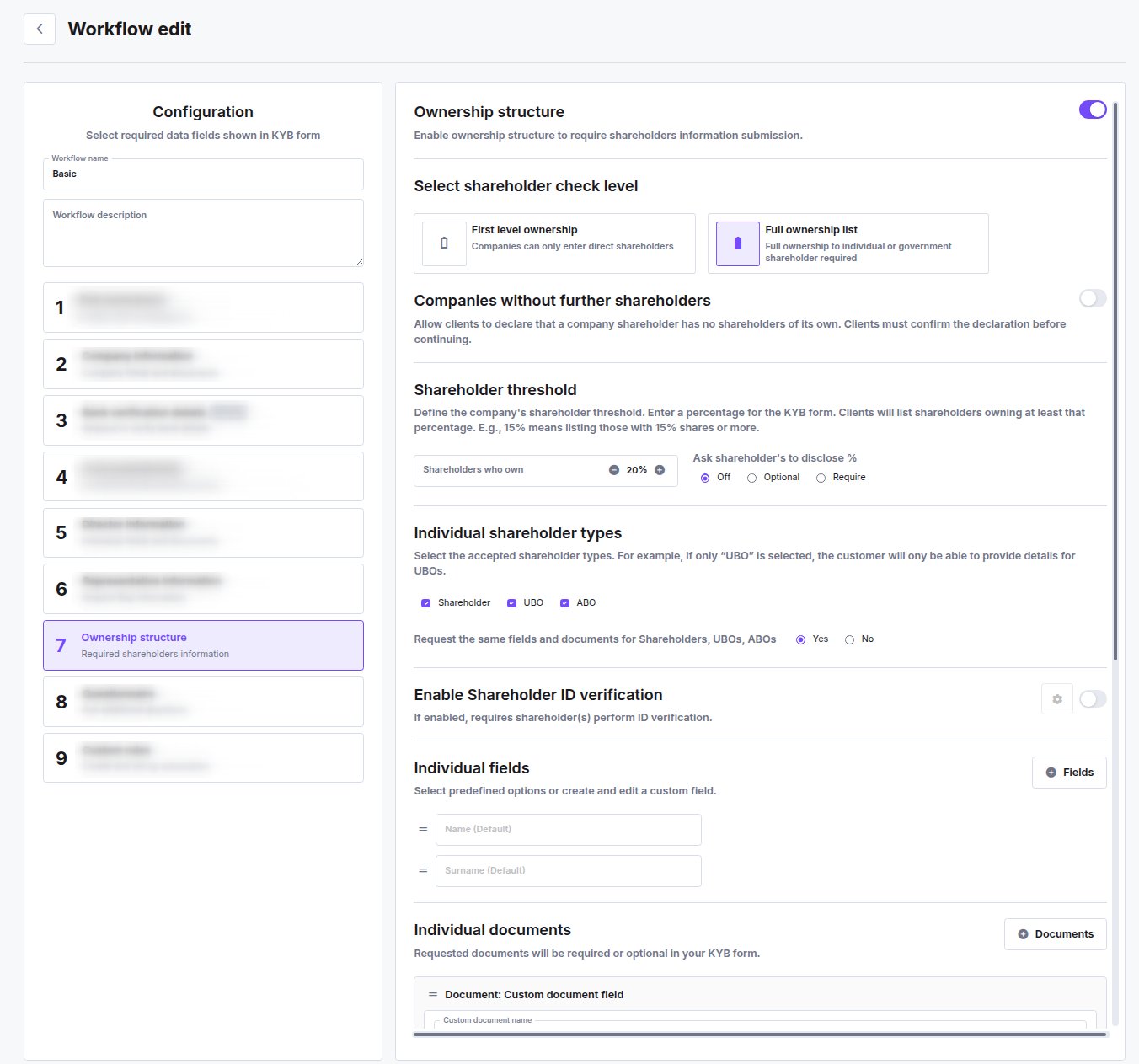
The settings appear in this order in the workflow editor.- Ownership structure: Toggle this On to require the client to declare shareholders. The rest of the step only appears once it is on.
- Select shareholder check level:
- First level ownership — companies can only enter direct shareholders. The chain is not traced any further.
- Full ownership list — full ownership to an individual or government shareholder is required.
- Companies without further shareholders: A toggle that appears once Full ownership list is selected, Off by default. Turn it on and clients can declare that a company shareholder has no shareholders of its own — they must confirm that declaration before continuing. The declared company then completes that branch of the structure, so the form can be submitted without tracing further down to individuals.
- Shareholder threshold: Set the percentage in Shareholders who own — clients then list only shareholders at or above it. Entering 25% means only holders of 25% or more must be declared.
- Ask shareholder’s to disclose %: Whether the exact stake has to be given — Off, Optional, or Require.
Individual Shareholder Types
Select which types of owners the system should accept. For example, if you only want to collect Ultimate Beneficial Owners, select only “UBO”.- Shareholder
- UBO (Ultimate Beneficial Owner)
- ABO (Alternative Beneficial Owner)
A role that is not enabled here cannot be added by the client. ABO is the role for stakeholders who are beneficial owners without a percentage stake — partners, founders, board members of a memberless entity. See Stakeholder Roles in KYB Workflows for what each role means and how to map partnerships, foundations, and holding chains onto them.
Identity Verification and Requirements
For each enabled shareholder type (or the unified group), you can configure the specific data to collect.- Enable Shareholder ID verification: Toggle this On to require the individual to complete a biometric identity check.
- Configuration: Click the gear icon beside the toggle to customize the verification session (see the Configuring Identity Verification guide).
- Individual Fields — Name and Surname are included by default. Use Fields to add more.
- Individual Documents — requested documents are required or optional in your KYB form. Use Documents to add them.