Documentation Index
Fetch the complete documentation index at: https://documentation.idenfy.com/llms.txt
Use this file to discover all available pages before exploring further.
What Is a Sole Proprietorship?
A sole proprietorship is a business entity owned and operated by a single individual. It is the simplest and most common form of business structure. There is no legal distinction between the owner and the business — the owner is personally responsible for all liabilities and debts.How to Enable Sole Proprietorship
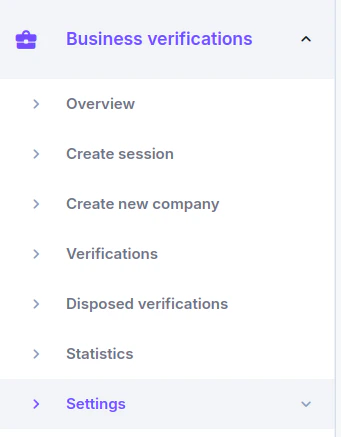
To use sole proprietorship for your custom flow, you must first enable it by following these steps:- Access our dashboard and Go to the Business Verification→Settings→Custom flow page.
- Create a new custom flow or select the flow you want to update on the Custom Flows page.
- Follow the next steps to enable and configure the sole proprietorship page.
How to Check If You Set the Flow Up Correctly
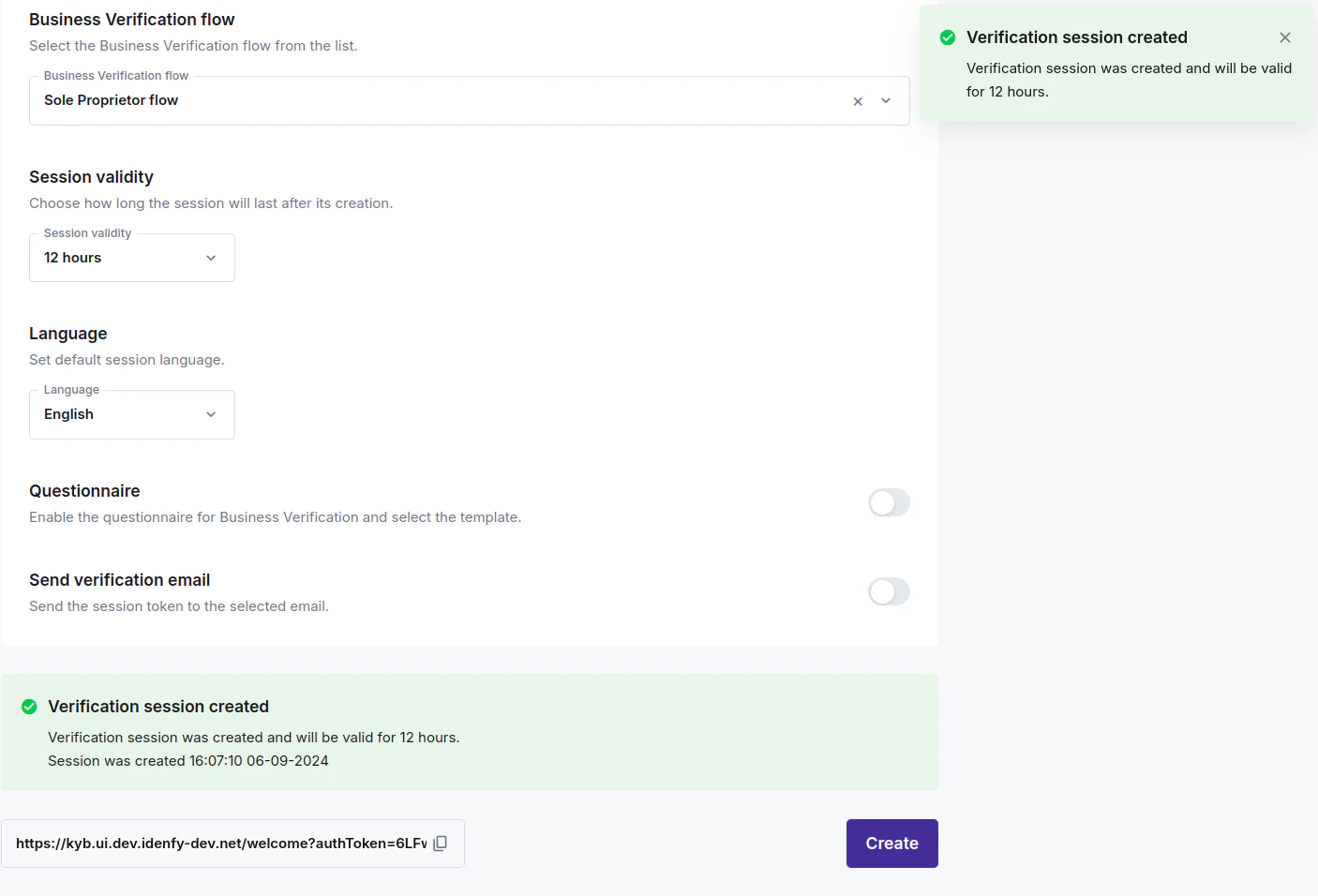
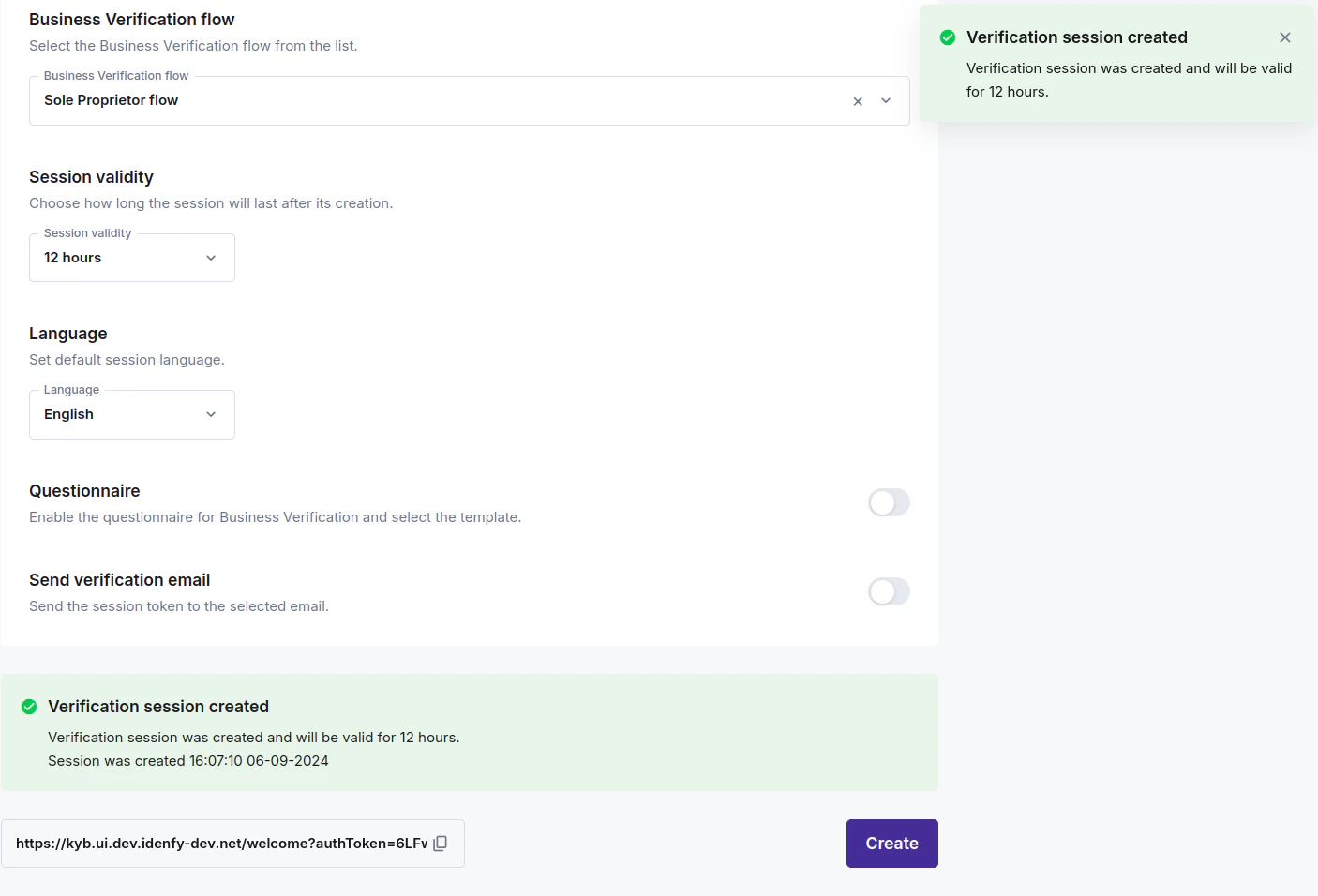
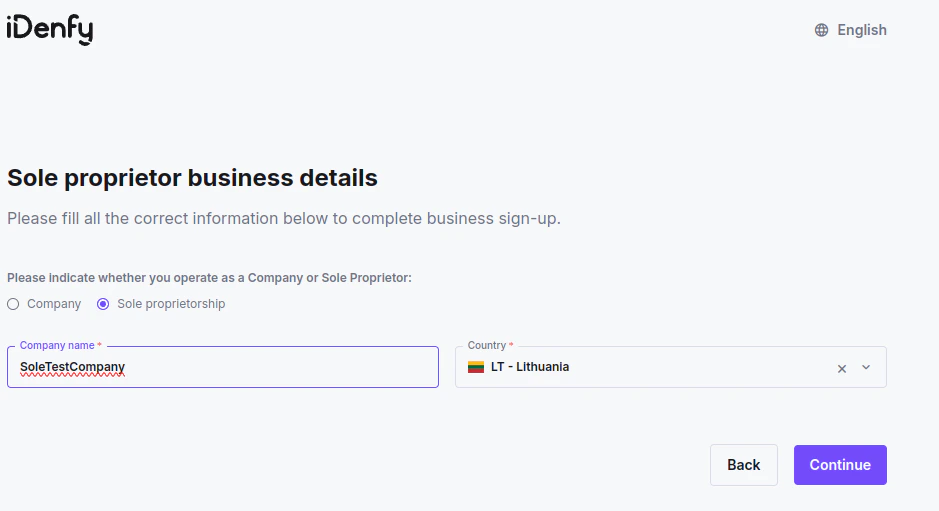
You can manually create a new business verification session to check if the flow you updated or created works correctly. To do so: Go to Business verifications→Create session. Scroll to business verification flow and select the flow you have updated or created:
Where to Find Information When the Form Is Submitted
Find onboarded or active companies on the Business Verifications→Verifications page. On this page, you can view all companies that are either already submitted or currently in process. By selecting a specific company, you can proceed with the compliance review and decide whether to onboard them or not.