There are two types of AML (Anti-Money Laundering) checks - single AML check and continuous AML monitoring. You can use these types of AML checks to check/ monitor individuals or companies. Both can be conducted either manually or through automation to generate results. Please ensure you have chosen the correct type of check you want to perform. 

How to perform AML check

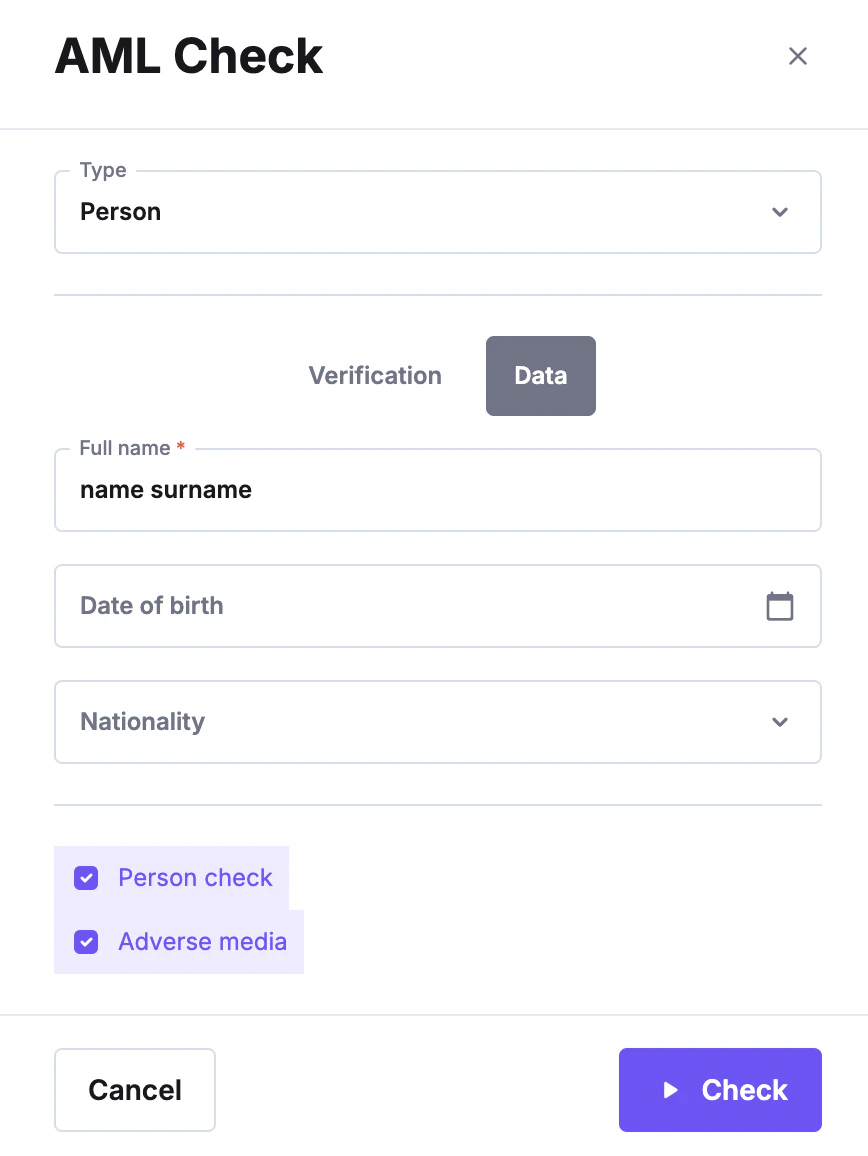
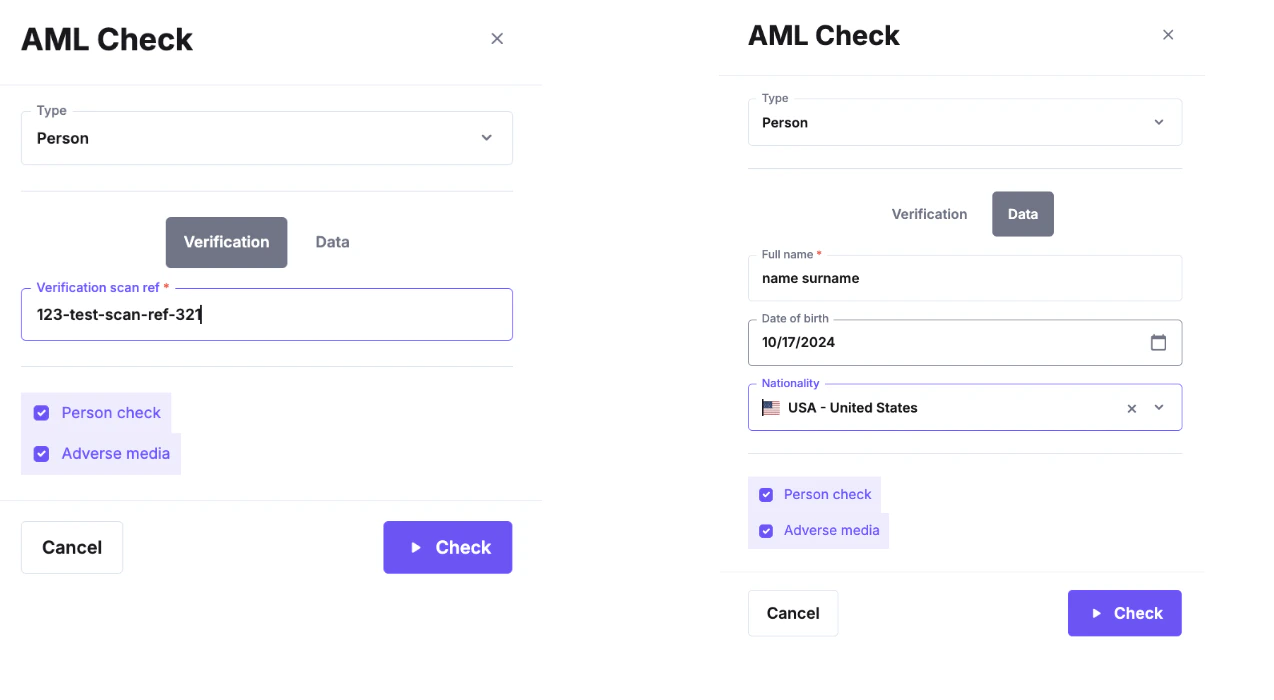
This feature enables you to create a one-time AML check to obtain AML results. First, go to your dashboard, click AML verifications, and select AML check. After clicking “Check AML,” you can provide the verification scan reference number if an identity verification was conducted. You can select “data” and manually enter the individual’s personal information if no identity verification has been performed. While only the full name is required, providing additional details will help the system to filter the results. Then, depending on the results you need to receive, you must select personal, adverse media, or both checks to perform the AML check. Screenshot 2024-10-28 at 12.29.15.png

How to perform AML monitoring 

AML monitoring allows you, as a partner, to continuously track the AML status of a particular subject. Once AML monitoring is initiated, the system automatically updates the results for that individual or company every 24 hours, or as per different database update frequency. This ensures you are promptly informed of any changes related to sanctions, PEPs (Politically Exposed Persons), or adverse media (if enabled) during that period, allowing you to take appropriate action. For example, if the process is automated, continuous AML monitoring can flag subjects for further review or automatically block them. The setup for monitoring is similar to performing a single AML check. Start by visiting your dashboard and selecting “AML Verifications.” Then, click on the “AML Monitoring” tab. Once there, press “Start Monitoring.” You will be prompted to choose whether the monitoring is for an individual or a company. After selecting, you can either enter the verification scan reference or manually input the necessary information. Screenshot 2024-10-28 at 12.29.53.png
Additional options

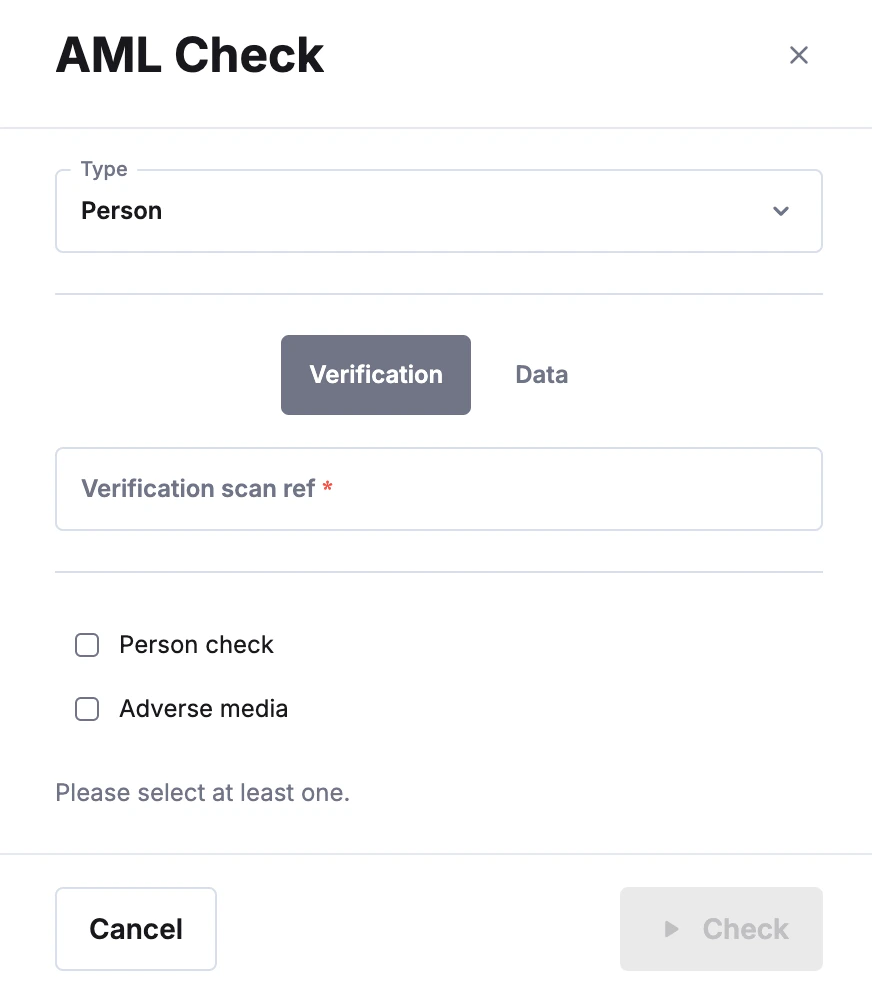
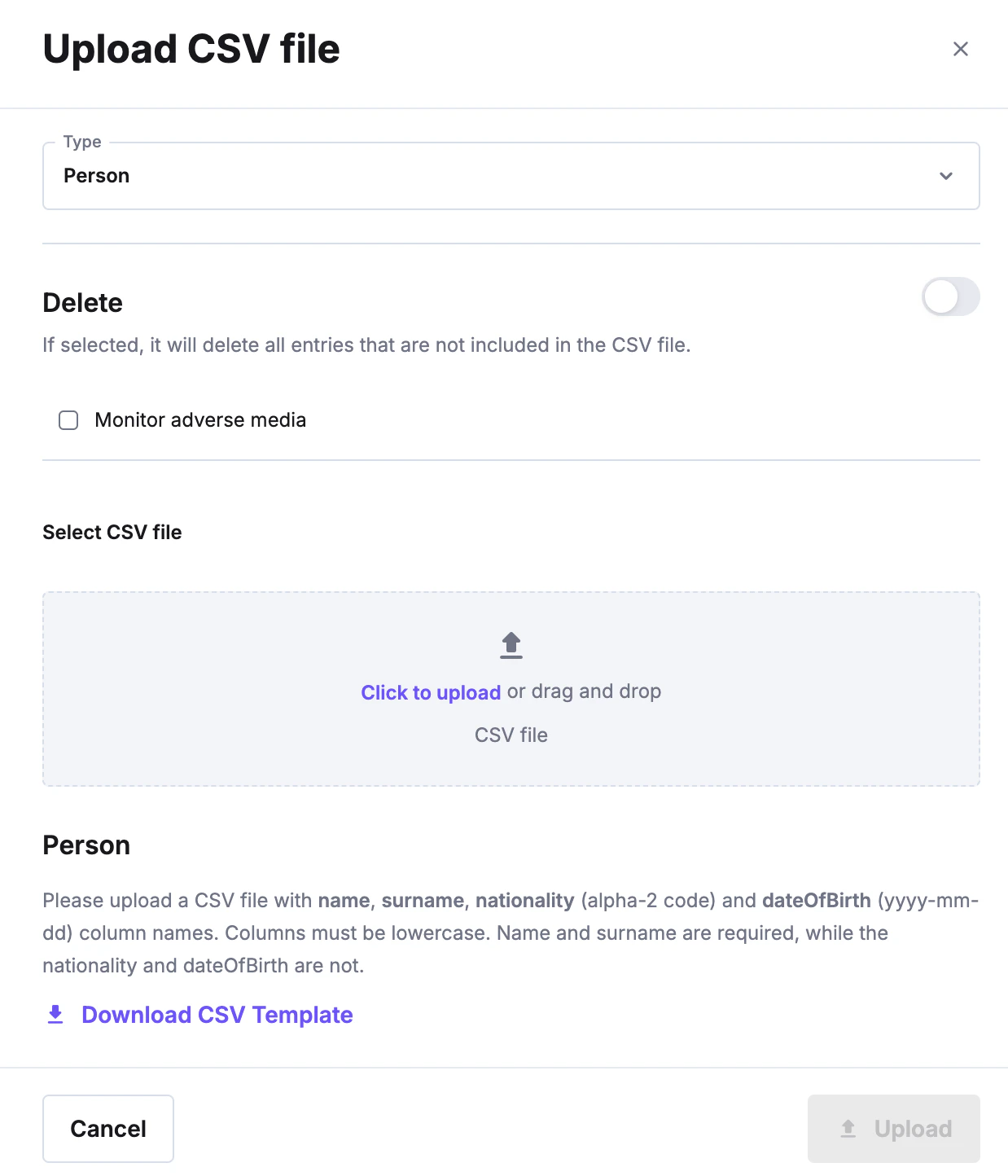
Additionally, if there are many subjects in the database, partners can upload a CSV file with all the subjects by pressing the file upload icon at the top right of the page. Screenshot-2024-10-28-at-12.11.26 Screenshot-2024-10-28-at-12.13.40 When you click on the upload button, you will need to upload a CSV file here: image-20250530-113311.png image-20250530-113350.png
Compare the nationality option

When to specify nationality

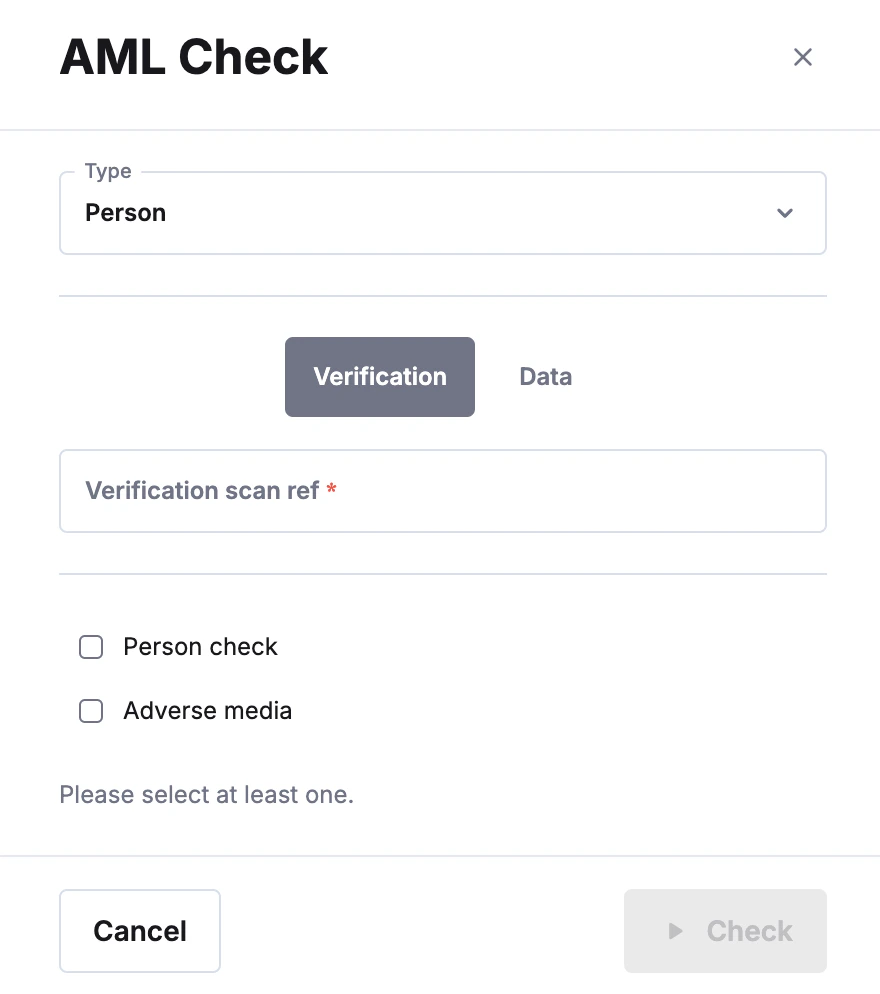
When creating an AML check or setting up monitoring, it’s important to determine whether the check should be limited to individuals of a specific nationality, as this can impact the results. Specifying a country is particularly useful when screening a person who is unlikely to hold multiple nationalities, or if you’ve already confirmed their nationality in advance, such as by asking them directly.

When not to specify nationality and compare it

But in some cases, when we are unsure about the nationality of the person being checked, the compare nationality option becomes handy. If this option is not enabled, in some instances, the results may not show the full picture. This is due to some of the people having multiple nationalities. This means that if you select a specific nationality, or the compare nationality setting is not enabled, but they are sanctioned on the other nationality they hold, the sanction results may not be returned. However, in other cases, when the person being checked has a popular name and surname, and the birth date is unknown, having to narrow down by using the nationality assists in retrieving the expected results. If the “Compare Nationality” setting is enabled, AML results with a different nationality than the client will be removed. In the event a partner is a dual national and no country is selected