Single check
This performs a single search for AML Records.How to perform single check
Opening AML check tool
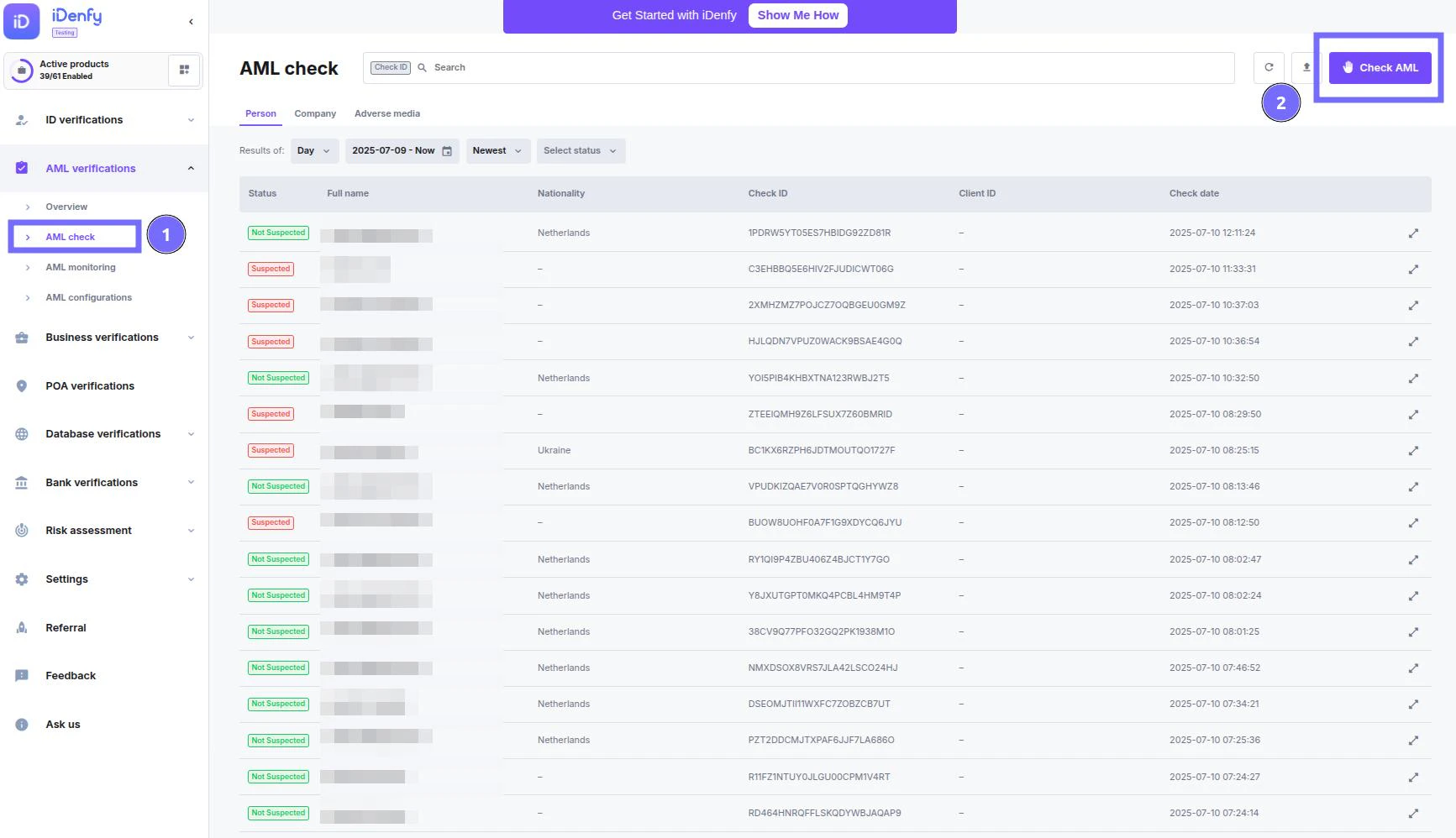
- Open your dashboard, open AML Verifications, and select AML Check
- In the top right corner, press Check AML
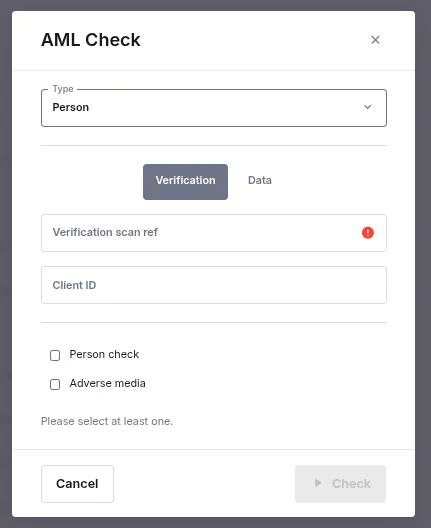
:identification_card: Filing in the data
- Type
- Person - performs an AML Check for a person
- Company - performs an AML Check for a registered business
- Verification data
- Verification - Data necessary for verification is taken from previously performed KYC verification and will be associated with the KYC verification results
- Data - Data is written in by the user
- Selecting check types:
- Person / Company - PEPs (only for individuals) & Sanctions check
- Adverse media - performs a search for negative news